Best WooCommerce Upsell Plugins To Increase Sales

11 Minutes to read
Last Updated On

The campaigns to gain more traffic for your eCommerce store keep getting expensive, and they still don’t guarantee sales growth, making average order value a high-leverage growth metric. Basic WooCommerce offers manual product linking but lacks dynamic automation for maximum checkout conversions.
You can solve this problem using dedicated WooCommerce upsell plugins. They help present targeted upgrades, pre-checkout order bumps, and one-click post-purchase offers at peak buying moments.
In this guide, we offer details on the best WooCommerce upsell plugins based on customer reviews and our own independent assessment, providing insights into their features, pros, cons, and prices. This helps you make an informed decision to build the right setup to drive conversion.
A WooCommerce upsell plugin is a conversion tool that helps increase your average order value by displaying targeted product upgrades and complementary offers across the customer journey, including product pages, carts, checkout, and post-purchase thank you pages.
Although WooCommerce offers basic linked-product fields, they need manual setup and only appear at fixed locations without any discounts or analytics. But with dedicated upsell WooCommerce plugins, you can access features like automated targeting rules, pre-checkout order bumps, one-click post-purchase funnels, and conversion tracking.
Before we get into the details of the top upsell plugins, this section gives you an overview, including their use case, prices, and ratings.
| Plugin Name | Key Features | Pricing | Ratings |
|---|---|---|---|
FunnelKit

Top Pick |
All-in-one conversion funnels, checkout optimization, and CRM automation.
|
(1032 reviews) | |
Bravo

Best Rated |
Cart-threshold rewards and repeat-purchase loyalty upsells.
|
(10 reviews) | |
| CartFlows |
Fast visual funnel builder and distraction-free checkout templates.
|
(521 reviews) | |
| UpsellWP |
Lightweight multi-touchpoint upsells.
|
(152 reviews) | |
| Upsell Funnel Builder |
Combined checkout order bumps and post-purchase one-click funnels.
|
(116 reviews) | |
| WPFunnels |
Visual funnel mapping and broad payment gateway support.
|
(175 reviews) | |
| One-click Upsell Funnel |
Budget-friendly cart and checkout gallery slider upsells.
|
(5 reviews) | |
| YITH |
Amazon-style product bundle boxes on single product pages.
|
(5 reviews) | |
| Merchant |
Modular 45+ CRO toolkit with bundles, side carts, and urgency tools.
|
(11 reviews) |
This section sheds some light on the best upsell plugins for WooCommerce, including some cross-sell and funnel optimization plugins that you can use to boost store revenue and streamline the customer journey.
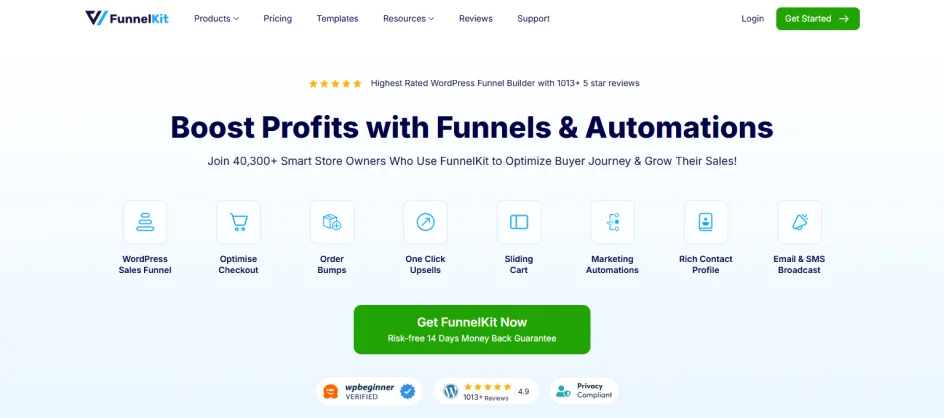
FunnelKit, formerly known as WooFunnels, is a conversion optimization and sales funnel plugin designed to turn standard WooCommerce checkouts into high-converting buying experiences. It offers visual funnel mapping, custom checkout field editors, sliding side carts, and one-click post-purchase upsells.
This plugin also comes with an optional CRM automation engine to help online stores that want to unify checkout optimization with automated email and SMS follow-up.
Key Features:
Price: Free version available; Basic starts at $99.50/year
Ratings: 5/5 on WordPress.org (1032 reviews)
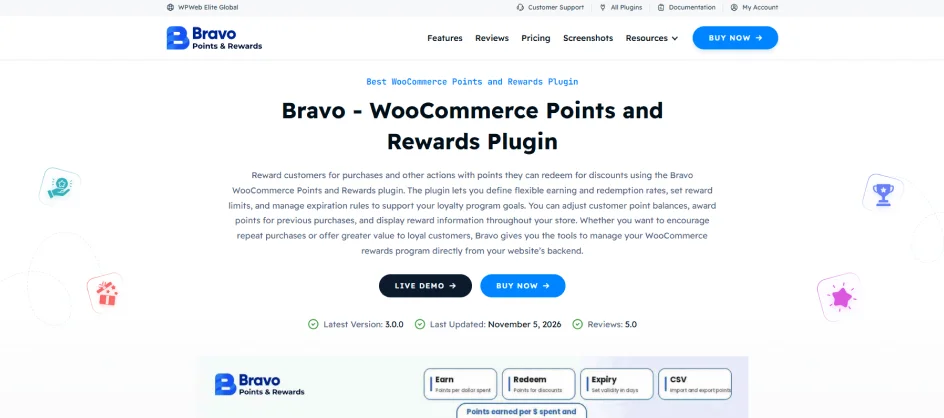
Bravo is one of the best plugins for loyalty and cart threshold upsells. Because instead of just focusing on one-time checkout bumps like any other upsell plugin, it turns every order into a multi-purchase revenue loop.
It displays point rewards on product pages in real time and enforces a minimum cart total threshold to earn or redeem points. This encourages online buyers to add more items to their carts, increasing the order value.
Leveraging Bravo, store owners can set product- and category-specific point multipliers to push high-margin upsell items or allow customers to buy point bundles directly, like prepaid store credit.
Key Features:
Price: Starter starts at $39/year (1 site)
Ratings: 5/5 on WPWeb Elite (10 verified reviews)
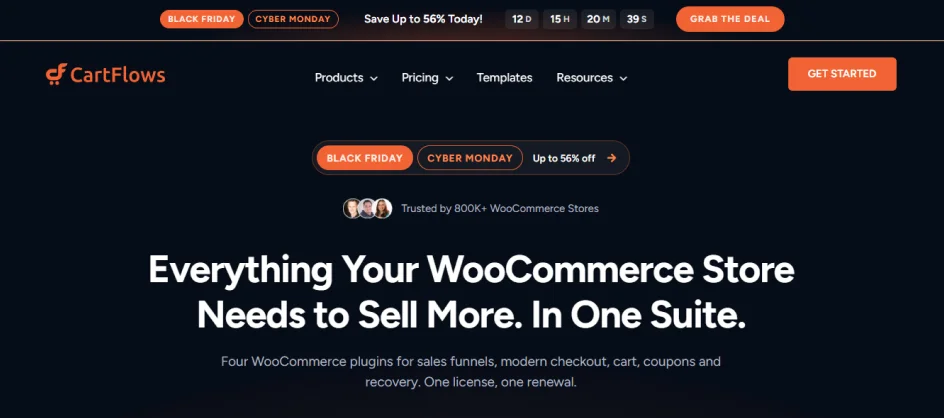
CartFlows is a popular WooCommerce sales funnel builder designed to replace the default multi-step checkout process with a streamlined buying workflow. You can use its visual canvas to map out custom landing pages and pre-checkout order bumps.
Equipped with a conversion-tested template library, Cartflows can cleanly integrate with other popular page builders and modular add-ons. To further eliminate checkout friction before shoppers even reach your order bumps, pair custom checkout flows with WooCommerce Social Login to let buyers authenticate in one click.
Key Features:
Price: Free version available; Starter starts at $79/year
Ratings: 4.8/5 on WordPress.org (521 reviews)
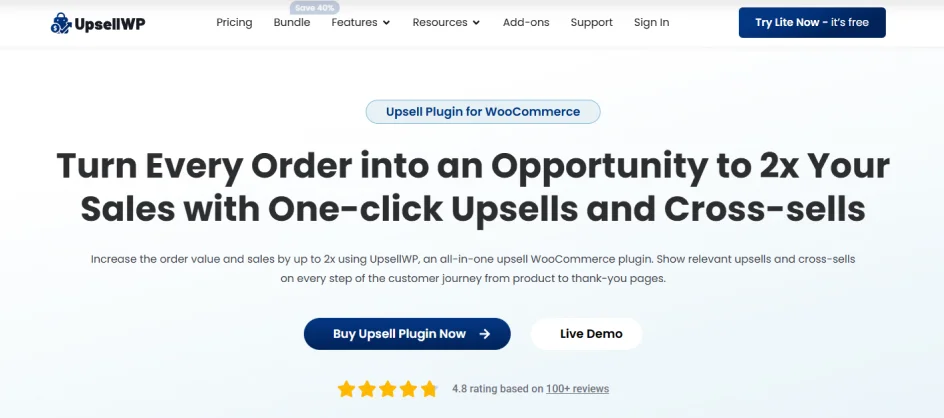
UpsellWP is a lightweight, flexible WooCommerce upsell plugin helping online business owners boost order values across existing store pages without the need to rebuild the entire checkout flow. It allows you to place targeted product recommendations and Frequently Bought Together Bundles across product, cart, checkout, and thank you pages.
If you are looking for quick, high-ROI upsells without having to manage complex visual funnel builders, then UpsellWP is an appropriate option.
Key Features:
Price: Free version available, Starter starts at $52/year
Ratings: 4.9/5 on WordPress.org (152 reviews)
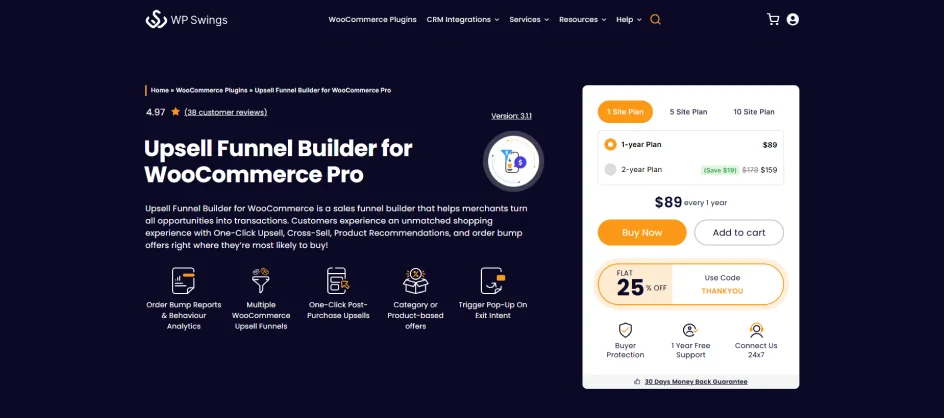
Upsell Funnel Builder by WP Swings offers both pre-checkout order bumps and post-purchase one-click upsell funnels at the price of one. Online store owners use it to create targeted offer sequences triggered by specific products, categories or cart totals without forcing buyers to re-enter payment details.
Being compatible with top page builders like Elementor and Gutenberg, it gives you a chance to automate pre- and post-checkout cross-selling. Many store owners also use these post-purchase and thank-you slots to upsell customizable digital gift certificates created with WooCommerce PDF Vouchers, turning one-time orders into future store visits.
Key Features:
Price: Free version available; Pro & upper tiers start at $89/year
Ratings: 4.7/5 on WordPress.org (116 reviews)
WPFunnels is a visual drag-and-drop sales funnel builder created specifically for WordPress and WooCommerce users who seek easy funnel planning. You can use its visual canvas to map out landing pages, custom checkouts, order bumps, and conditional post-purchase upsells in one cohesive view.
Key Features:
Price: Free version available; Starter plan starts at $77.99/year
Ratings: 4.9/5 on WordPress.org (175 reviews)
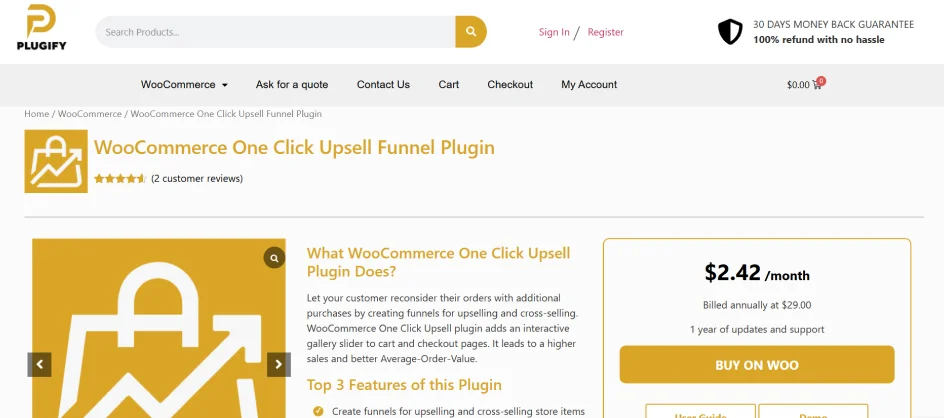
One-Click Upsell Funnel for WooCommerce by Plugify helps you create unlimited rule-based upsell funnels that showcase recommended products in a gallery slider right on the cart and checkout pages. This allows online shoppers to add discounted items or adjust the quantities directly before placing an order, while store owners have total control over the display locations and conditional triggers like cart totals, user roles, coupons, products, and categories.
Key Features:
Price:$29/year, increasing from the next.
Ratings: 5/5 on WooCommerce.com (5 reviews)
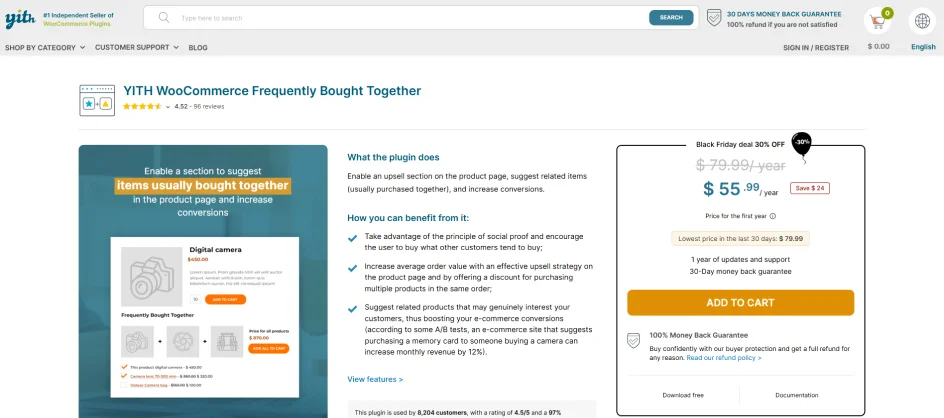
YITH Frequently Bought Together offers Amazon-like bundling directly to your WooCommerce single product pages. This encourages visitors to buy complementary items along with their primary purchase by displaying a curated product recommendation with a single “Add to cart” button and optional bundle discounts.
Once your high-converting product bundles and promotional deals are live, Social Auto Poster can automatically distribute those WooCommerce products across your connected social media channels to drive targeted traffic straight to your bundle pages.
Key Features:
Price: Free version available, Pro starts at $55.99/year
Ratings: 3.1/5 on WordPress.org (12 Reviews)
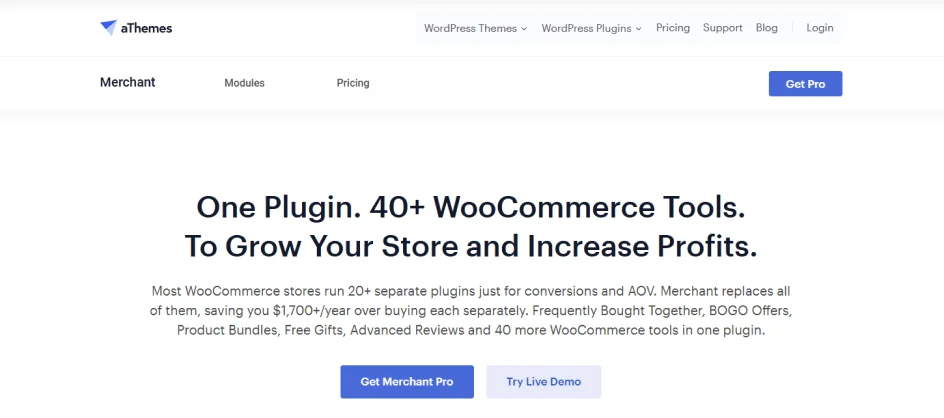
Merchant by aThemes is an all-in-one WooCommerce plugin with over 45 toggleable growth modules. Instead of installing separate plugins for bundles, cart drawers, and urgency triggers, online business owners can use this to add a multitude of features ranging from Bought Together boxes to a free-shipping progress bar from a single dashboard.
Designed for speed and clean code, Merchant only loads the scripts of the modules you activate, avoiding the risk of a bloated codebase and lagging site performance.
Key Features:
Price: Free version available; Premium starts at 59/year
Ratings: 4.2/5 on WordPress.org (11 Reviews)
We used a fair evaluation process to ensure that the recommended list of best WooCommerce upsell plugins reflects real-world performance. For that, our team has actually installed and tested the plugins on a dedicated staging environment running the latest versions. We have evaluated every plugin against the following benchmarks.
We measured the workflow from plugin activation to live campaign launch, focusing on clean interfaces, clear documentation, and a setup time under 15 minutes for non-technical store owners.
Our team reviewed the places offers can appear, including product pages, slide-out carts, checkout order bumps, and post-purchase screens, along with flexible rule triggers like cart value and product categories.
To rule out heavy script bloat, we evaluated front-end load impact before and after activation, and confirmed that mobile pop-ups, sliders, and add-to-cart buttons remain responsive to both iOS and Android viewports.
Our testing focused on the seamless integration of each plugin with key payment gateways, page builders, and loyalty tools like Bravo – WooCommerce Points and Rewards Plugin, enabling store owners to grant points on upsold products without checkout issues.
Before testing Pro upgrades, we reviewed the free tier of each plugin, considering actual conversion functionalities alongside the costs of annual licenses and renewals.
Here are a few things you need to keep in mind when selecting a suitable WooCommerce upsell plugin for your WooCommerce store.
Choosing the right WooCommerce upsell plugin is all about making sure your online store’s checkout architecture aligns well with your long-term growth objectives. It can help improve average order value without spending extra money on ads.
But before you go out shopping for any of these plugins, it is essential to identify your highest-converting touchpoints, such as the product page, cart, or checkout page. You can also use free versions to test a focused offer to assess how effectively these plugins help turn single-item shoppers into high-value repeat customers.
Yes, you can use multiple WooCommerce upsell plugins at the same time, but it is not recommended. Because using multiple plugins can duplicate the offers, reduce site speed and performance, and make reporting a mess. It is better to use only one plugin that can address most of your upsell requirements.
Upselling is about encouraging visitors to buy more products or more expensive versions from the store, increasing the total order value. Meanwhile, cross-selling refers to complementary products to enhance the original order.
The results of upselling depend on your type of online store, products, and offer quality. By using cross-sell alongside implementing upselling best practices, you can encourage customers to buy high-value products and complementary products, significantly improving the average order value.
It depends on the upsell plugins you are using. If you are using unverified or invalidated plugins that stand up to WooCommerce Marketplace’s Excellence standards, then chances are it may have bloated code that would negatively impact your store speed and performance. Speed is crucial for conversion, so it’s better to test the load times of your chosen plugin before.
The benefits of using a WooCommerce upsell plugin involve an increase in average order value, driving more revenue without extra traffic, delivering a better customer experience, automation and smart targeting, minimal-friction buying flows, repeat purchase incentives, and performance tracking.
Yes, some plugins provide WooCommerce upsell options after checkout, giving buyers the opportunity to include extra products even once their purchase is finalized.