
Top AI Marketing Tools for 2026
-
 Last Updated On
A small marketing team is now expected to publish blogs, execute email flows, post daily across platforms, and answer customer questions within minutes. In-house hiring for all of that is unrealistic, while full-service agencies are often too expensive.
This guide covers 20 free AI tools for marketing across writing, search, social, email, and customer conversations. Each entry lists what the tool does, its key features, benefits, and drawbacks. Prices and ratings were verified against current vendor pricing and G2.
Two questions decide whether a free tool is worth it for you:
What kind of tool/platform is it, and what are the limitations of its free tier?
The former question splits the tools into two groups:
On the latter question, “free” means three different things across this list:
Every free plan comes with a paywall: a send limit, a locked feature, vendor branding, or a per-seat charge when your team grows. Here’s a quick comparison of free AI tools for digital marketing teams managing multiple channels.
The table shows what each free plan allows, what the first paid tier costs, and how users rate the tool on G2.
| Plugin Name | Key Features | Pricing | Ratings |
|---|---|---|---|
| Copy.ai |
Short-form ad and email copy
|
No Free Plan | |
| Rytr |
Cheap short-form writing
|
10k characters/mo | |
| HubSpot |
CRM-connected marketing AI
|
Free CRM, forms, email | |
| ChatGPT |
General writing and analysis
|
Unlimited text chats | |
| AIOSEO |
On-page SEO in WordPress
|
Free plugin scoring | |
| Semrush One |
Keyword and AI visibility data
|
10 keyword results/report | |
| AnswerThePublic |
Question research
|
3 searches/day | |
| Perplexity AI |
Cited research
|
5 searches/day | |
| Canva Magic Studio |
Design, copy, and video
|
50 credits/mo | |
| Buffer |
Social media scheduling with AI captions
|
3 channels | |
| Predis.ai |
Auto-generated posts
|
Watermarked allowance | |
| Sprout Social |
Enterprise social management
|
30-day trial | |
| Brevo |
Email automation at scale
|
Free 300 emails/day | |
| MailerLite |
Simple newsletters and pages
|
Free 250 subscribers | |
| Omnisend |
eCommerce email and SMS
|
Free 500 emails | |
| Mailchimp |
Email with wide integrations
|
Free 250 contacts | |
| ManyChat |
Instagram and Messenger bots
|
Free 25 contacts | |
| Tidio |
AI chat agent for support
|
Free 50 chats | |
| Collect.chat |
Conversational lead capture
|
Capped responses | |
| Zendesk |
Enterprise AI ticket resolution
|
14-day trial |
The best AI tools for marketing are those whose free tiers match your workflow, and writing is where most teams start.
These four cover the most time-consuming writing tasks, making them the most crucial free AI tools for marketing teams.

Copy.ai started as a short-form copywriting tool and now runs go-to-market workflows for sales and marketing teams. The chat interface still handles everyday copy well, but the product is priced for teams that automate rather than for solo writers.
Key Features
Pricing: No free plan; Chat from $29/mo
Rating: 4.7/5 (G2)
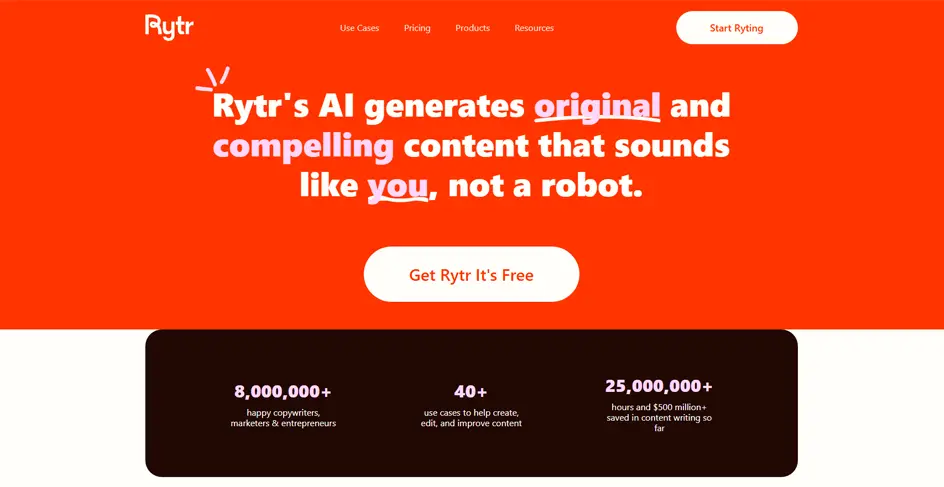
Rytr is a lightweight writing assistant built around 40+ use cases, from ad headlines to product descriptions. It is the cheapest serious option here, and the free allowance covers real short-copy work rather than a quick trial.
Key Features
Pricing: Free; Unlimited from $9/mo
Rating: 4.7/5 (G2)

HubSpot’s free tools cover CRM, forms, landing pages, and email. Its Breeze AI works with the same customer data, so emails can reflect past interactions instead of starting from scratch.
Key Features
Pricing: Free; Starter from $15/seat/mo
Rating: 4.4/5 (G2)
ChatGPT is the general-purpose model popular among most marketers. It handles briefs, rewrites, ad variants, and campaign post-mortems with no setup, and it’s the only tool in this category that uses your data to shape its output, not just generate text.
Key Features
Pricing: Free; Go $8/mo, Plus $20/mo
Rating: 4.6/5 (G2)
Now let’s look at some free AI tools for marketing that enable your content to rank in classic search results and appear within AI-generated answers.
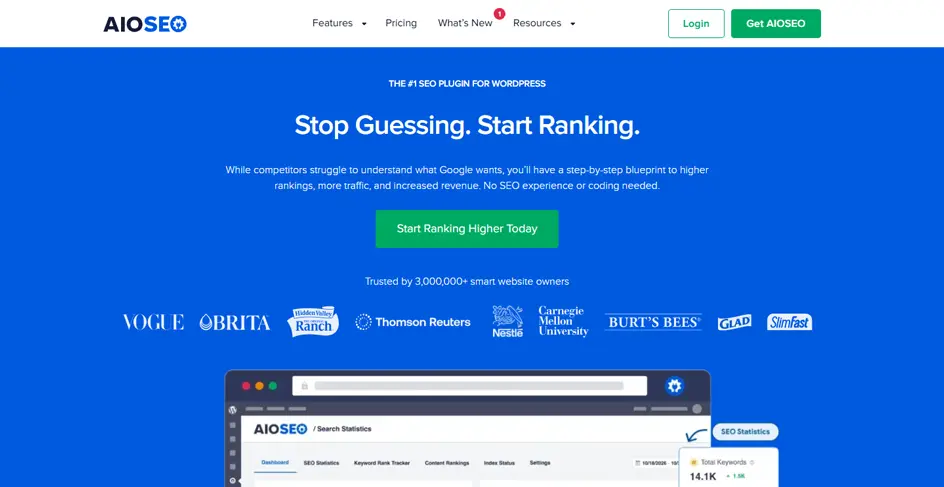
All in One SEO scores pages inside the WordPress editor as you write. It checks keyword placement, readability, links, and image alt text, then lists what to fix before the post goes live.
Key Features
Pricing: Free plugin; Pro from $49.50/yr
Rating: 4.8/5 (G2)
Relevant Read: AI for SEO: How AI Tools Boost Website Performance
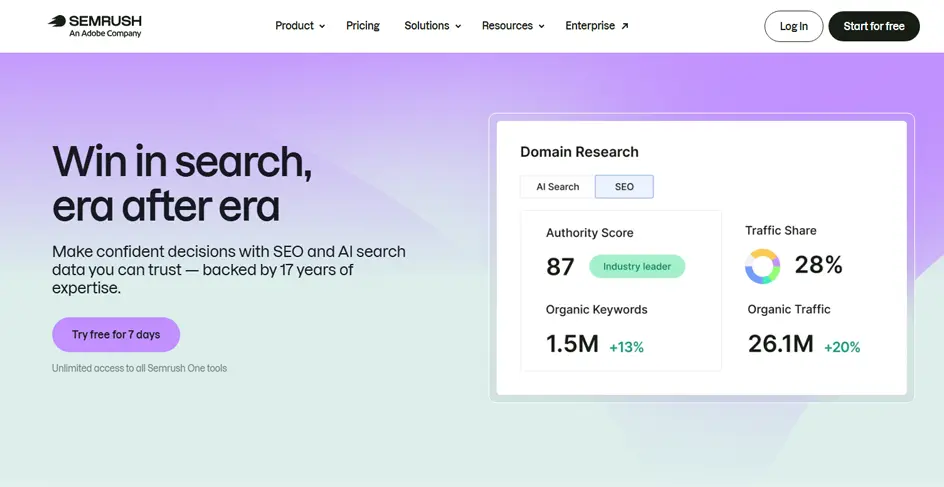
Semrush One combines the classic SEO toolkit with AI visibility tracking, which shows whether your brand gets mentioned inside AI-generated answers. The free account is capped tightly but enough to test a keyword idea.
Key Features
Pricing: Free account; from $199/mo
Rating: 4.4/5 (G2)
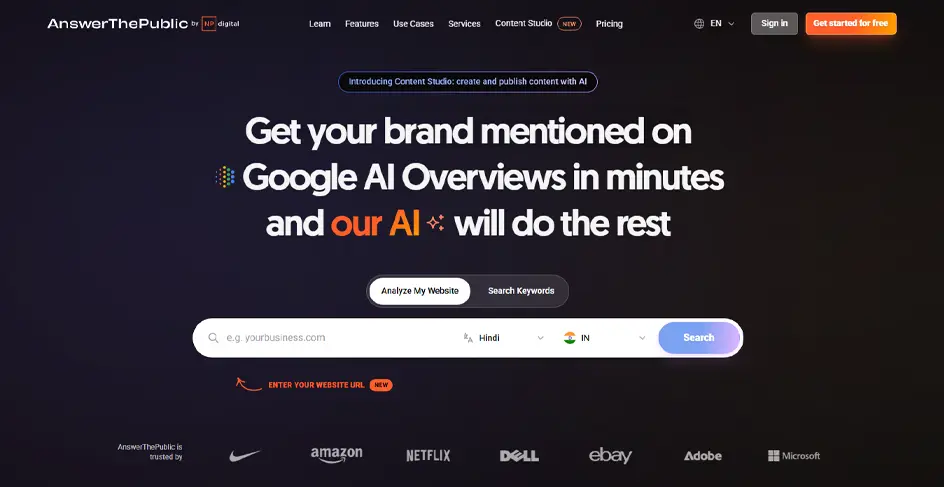
AnswerThePublic turns autocomplete data into visual maps of the questions people actually type. It finds angles and phrasing for FAQs and headings rather than telling you how much traffic those questions carry.
Key Features
Pricing: Free; paid from $11/mo
Rating: 4.5/5 (G2)

Perplexity answers research questions and attaches a source link to each statement. That makes it useful for checking a statistic or a competitor claim before it goes into a published draft.
Key Features
Pricing: Free; Pro from $20/mo
Rating: 4.4/5 (G2)
This group addresses the volume problem with free AI tools for digital marketing work: daily posts, platform-specific sizes, and original-sounding captions.

Magic Studio is the AI layer inside Canva. Background removal, resizing, copywriting, and video generation are all integrated into a single editor alongside your templates and brand assets, eliminating the need to use multiple tools.
Key Features
Pricing: Free; Pro from $18/mo
Rating: 4.7/5 (G2)
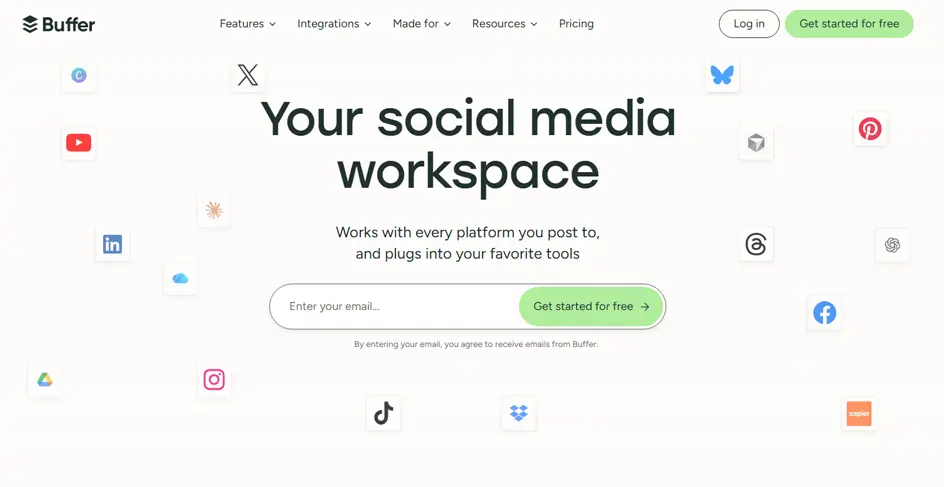
Buffer is a social media scheduler with an AI Assistant that drafts, rewrites, and adapts posts for different platforms. Its free plan remains usable after the trial, with limits on the number of channels and scheduled posts.
Key Features
Pricing: Free; from $5/channel/mo
Rating: 4.3/5 (G2)
Interesting Read: Importance of Social Media Marketing for Business in 2026
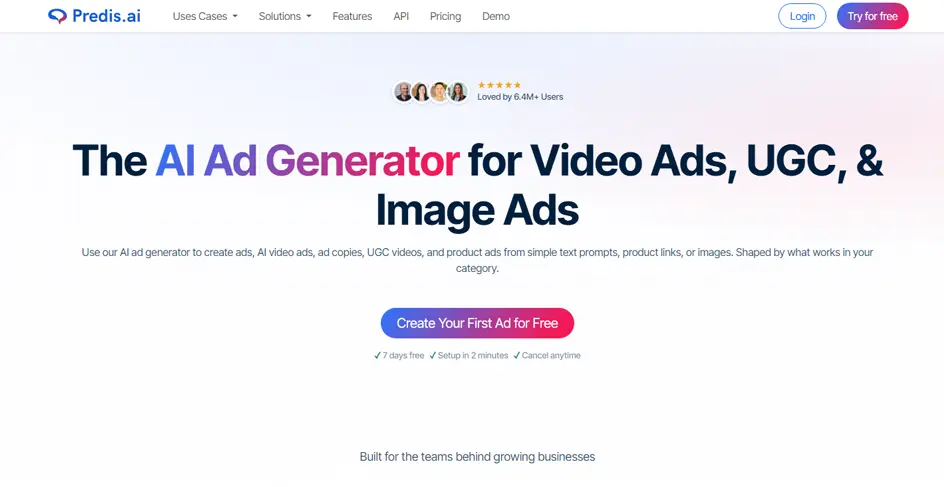
Predis.ai creates ready-to-publish social posts from a product link or short prompt, including carousels and short videos. It generates the caption and visual creative together.
Key Features
Pricing: Free; Core from $19/mo
Rating: 4.7/5 (G2)
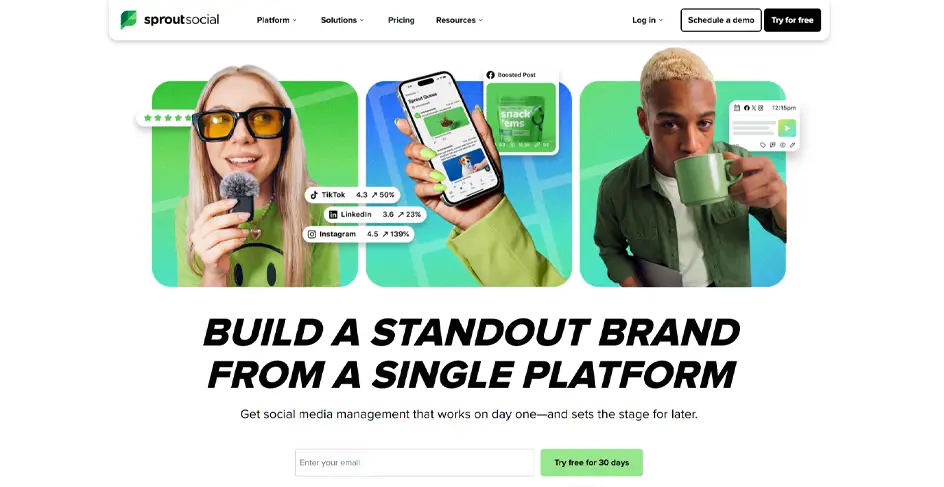
Sprout Social is the enterprise option here, built for teams handling high volumes of inbound messages, approval chains, and client reporting across multiple accounts. There is no free plan, only a trial.
Key Features
Pricing: No free plan; from $79/seat/mo
Rating: 4.4/5 (G2)
In this category, choosing the right free AI tools for marketing starts with understanding their usage limits.
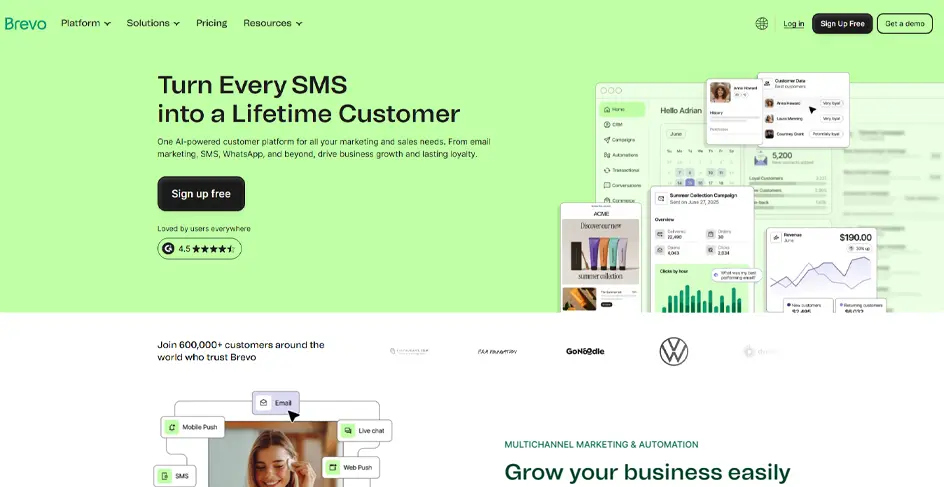
Brevo charges based on emails sent, not contacts stored. That suits teams with large lists and a modest send schedule, since the bill does not increase as the list grows.
Key Features
Pricing: Free; Starter from $9/mo
Rating: 4.5/5 (G2)
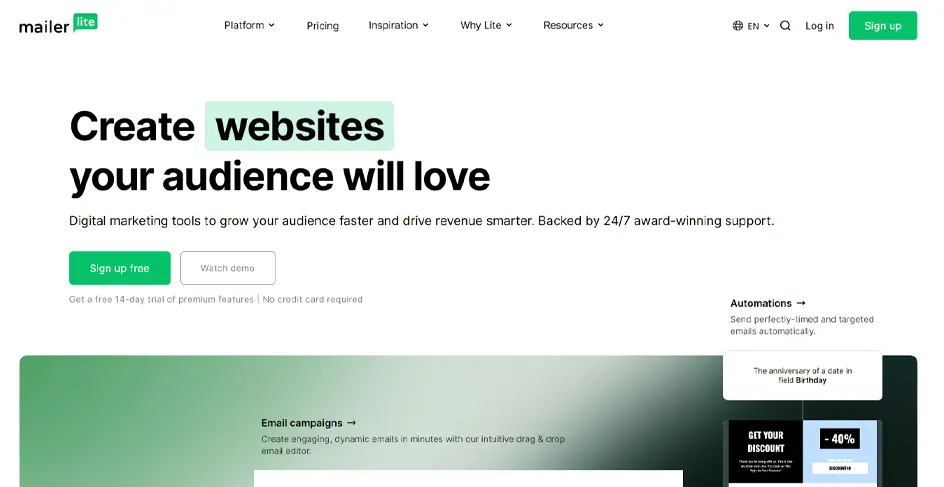
MailerLite is the easiest builder in this group. Its plans include landing pages, signup forms, and simple websites along with email campaigns, making it a good fit for solo marketers and small teams.
Key Features
Pricing: Free; Pro from $12/mo
Rating: 4.6/5 (G2)
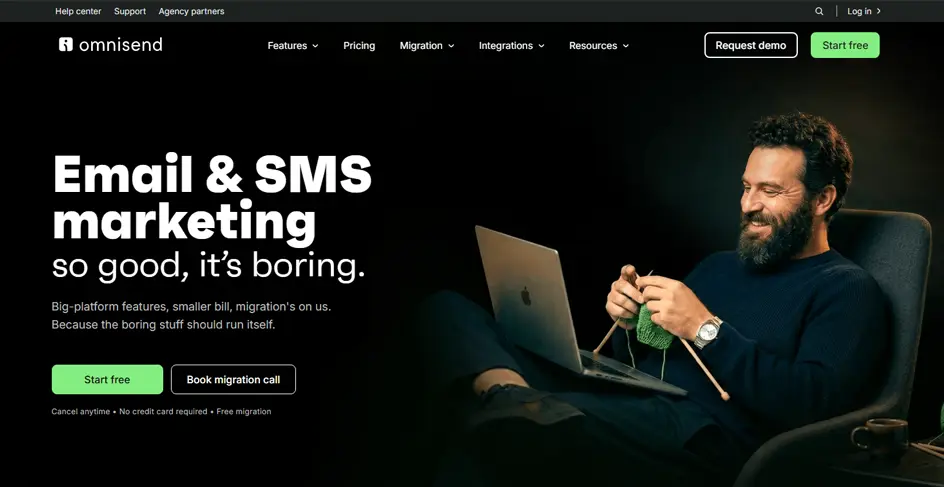
Omnisend is built for online stores, with revenue-focused automations like cart abandonment and post-purchase flows available on the free plan instead of locking them behind a paywall.
Key Features
Pricing: Free; Standard from $16/mo
Rating: 4.6/5 (G2)
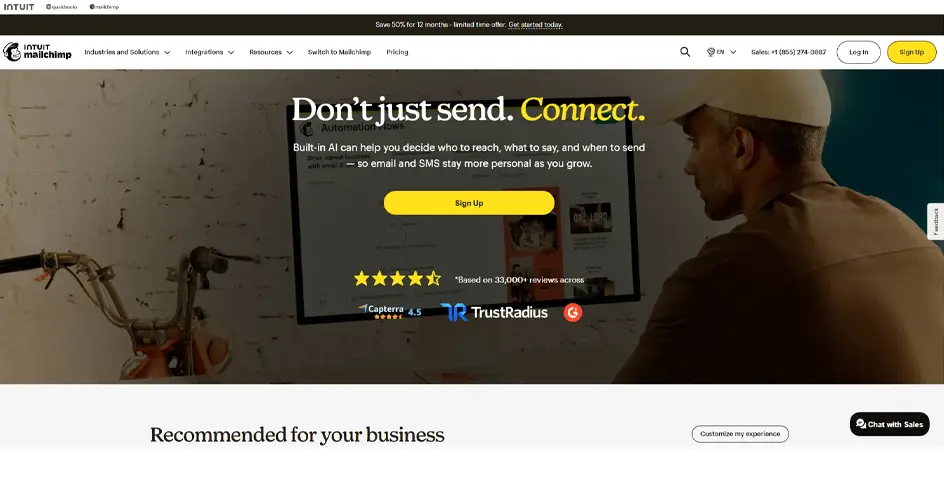
Mailchimp remains one of the most widely integrated email platforms, connecting with almost any existing stack. Its free plan has been repeatedly reduced and now serves mainly as a limited demo account.
Key Features
Pricing: Free; Essentials from $13/mo
Rating: 4.4/5 (G2)
These tools either capture customer details or resolve a question before anyone even reads it. Let’s explore the free AI tools for marketing that improve response time.

ManyChat automates Instagram and Messenger conversations. Its comment-to-DM flows turn a keyword in your post comments into a direct message, turning your comment section into a contact list.
Key Features
Pricing: Free; Essential from $14/mo
Rating: 4.5/5 (G2)

Tidio pairs live chat with Lyro, an AI agent that answers customer questions from your existing help pages and product content. Anything it cannot handle passes to a human in the same inbox.
Key Features
Pricing: Free; Starter from $24.17/mo
Rating: 4.6/5 (G2)
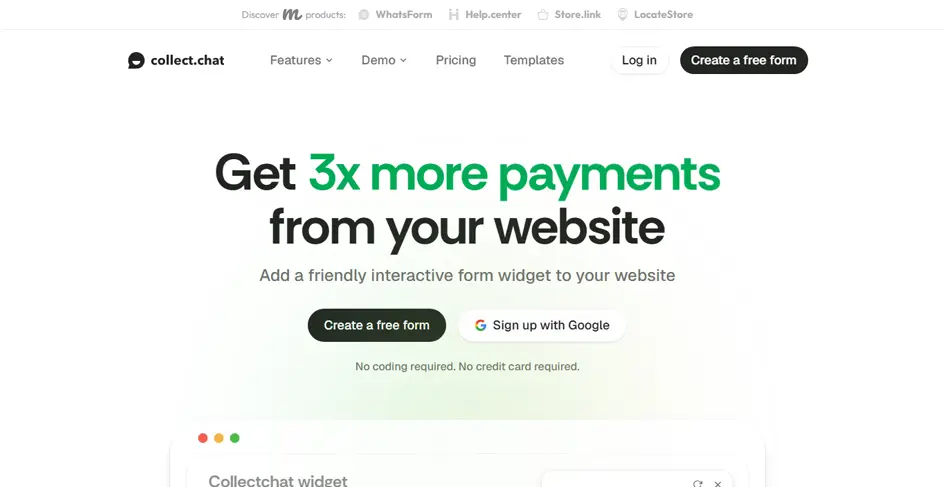
Instead of support bots, Collect.chat builds conversational forms. It replaces a static contact form with a chat window that asks one question at a time, which tends to hold attention longer and decrease bounce rate.
Key Features
Pricing: Free; Paid from $19/mo
Rating: 4.6/5 (G2)
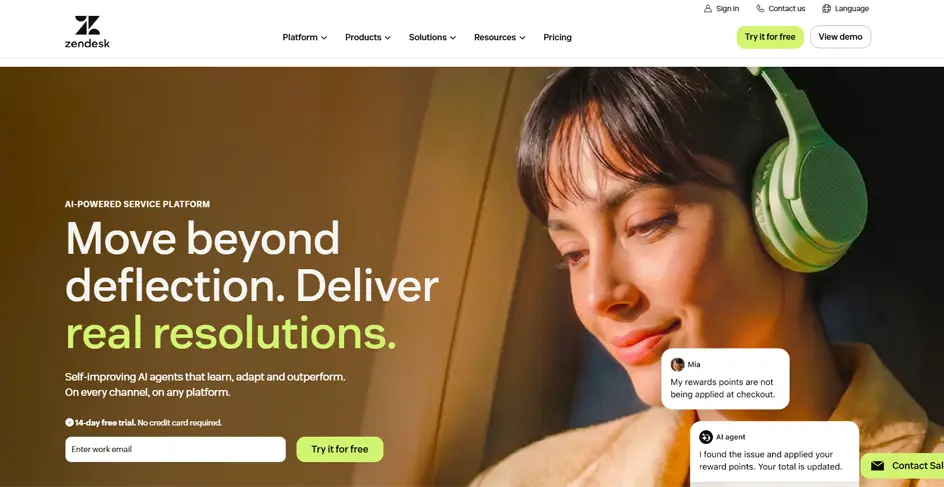
Zendesk is the enterprise support platform here. Its AI agents handle routine requests without a human opening the ticket, and its triage tools route whatever remains to the right person.
Key Features
Pricing: No free plan; from $19/agent/mo
Rating: 4.3/5 (G2)
20 options are more than any marketing team needs, so the last step is to narrow the list.
Three quick checks prevent an AI tool from becoming another abandoned login or wasted budget.
Identify the task that is disrupting your marketing workflow. For example:
Vendors recover costs through usage caps, locked features, or forced branding, and these limits can change with little notice.
Mailchimp now allows 250 contacts, MailerLite dropped to 250 subscribers in June 2026, and ManyChat reduced its free contacts from 1,000 to 25. Check contact, message, and feature limits before committing to a platform.
Run one live campaign through the free tier instead of a sample task, then track two things:
A tool that saves an hour on generation but adds two hours of cleanup has cost you time. With that method in place, the shortlist gets much smaller than twenty.
Adopting all twenty would cost nothing and still be a mistake. Every tool adds setup and maintenance costs, even when it’s free. Three are enough for most small teams:
Add a fourth only when a bottleneck demands it: Buffer if scheduling is the delay, AIOSEO if pages are unoptimized on WordPress, Tidio if chat questions go unanswered overnight.
If you want help matching the best AI tools for marketing to your own stack and budget, get in touch with our team.
ChatGPT for writing and analysis, Semrush One for search and AI visibility, Canva Magic Studio for creative, Brevo for email automation, and Tidio for AI-powered chat. Each has a working free tier, not a trial.
ChatGPT is the strongest all-rounder for briefs, rewrites, ad variants, audience analysis, and campaign reviews. For specialized work, tools like Semrush One provide deeper SEO and AI visibility data.
No AI chatbot is truly unlimited for free. Tidio offers 50 chats and 50 one-time Lyro conversations, while ManyChat’s free plan now supports just 25 active contacts.
Brevo. Its free plan includes automation workflows, 300 daily emails, and storage for 100,000 contacts. Most other options set limits on contact list or lock automation behind a paywall.
Rytr is a strong choice for short-form content with 10,000 free characters monthly. For longer drafts and reasoning-heavy work, such as messaging critique, ChatGPT is better to use before you hit a limit.
Buffer, if captions and scheduling are the gap, since its AI Assistant is uncapped even on the free plan. Predis.ai is stronger when you need finished carousels and videos, not just text.


Aug 27, 2026

Sep 10, 2026

Sep 18, 2026
