Quick Summary

  • Compare 22 AI coding tools across features, pricing, use cases, and limitations.
  • Find tools for IDE coding, terminal agents, app building, and code review.
  • See which AI coding tools fit frontend, backend, DevOps, and ML workflows.
  • Compare free plans, paid pricing, usage limits, and enterprise options.
  • Choose the right tool based on workflow, security, budget, and team needs.

Generative AI reached 53% adoption in just three years, faster than PCs or the internet. In 2025, the industry created more than 90% of notable AI models. As AI coding tools multiply, choosing one is now harder than using one.

This guide compares the best AI coding tools by what they do: edit code in an IDE, run terminal agents, build apps from prompts, or review pull requests.

Each entry lists pricing, capabilities, and the limitations that surface after weeks of real use.

Before comparing products, it helps to understand the basics.

What Are AI Coding Tools and How Do They Work?

AI coding tools turn natural-language instructions into code. They can write, edit, explain, and debug code within your development workflow. What started as simple autocomplete has evolved into AI agents that can generate code across files and handle multi-step tasks across an entire project. 

Three qualities separate the best AI coding tools from the rest:

  • Codebase awareness: They read project structure and dependencies, not only the open file.
  • Workflow fit: They arrive as an IDE extension, a CLI, or a browser environment you already use.
  • Execution: They plan a task, edit across files, run commands, and show you the changes for review.

Vendor terminology across AI development tools is inconsistent, and that is where most buying confusion starts.

AI Pair Programming Tools vs. AI Coding Agents: The Core Difference

A pair programming tool reacts to you. An agent acts on a goal you set.

  • Pair programming tools: Inline completions, chat answers, quick refactors, and test generation, all inside your editor.
  • Coding agents: Repository inspection, a proposed plan, multi-file edits, command execution, and work returned for review.

Cursor, Replit, and Copilot can serve both roles. The distinction matters commercially because it can also shape your costs, permissions, and review process. 

The Best AI Development Tools Compared at a Glance

The table lists category, primary strength, and entry pricing for every AI coding tool covered here, so you can shortlist before reading the detail.

Plugin Name Key Features Pricing Ratings
Cursor
Multi-file agentic edits
Pro $20/mo
4.6
Devin Desktop
Managing multiple coding agents
Pro from $20/mo
4.3
GitHub Copilot
Everyday coding and agentic tasks
Pro from $10/mo
4.4
Gemini Code Assist
Google Cloud and Android development
From $19/user/mo
4.4
JetBrains AI Assistant
IntelliJ, PyCharm, WebStorm users
AI Pro from $20/mo
4.5
Amazon Q Developer
AWS-native development
Pro from $19/user/mo
4.6
Tabnine
Regulated and air-gapped teams
Dev from $9/user/mo
4.2
Claude Code
Large, unfamiliar codebases
Pro from $17/mo
4.7
OpenAI Codex
Delegated, multi-step coding
With ChatGPT Plus
4.7
Aider
Git-based pair programming
Model API costs only
4.6
Cline
Bring-Your-Own-Key model flexibility
Model API costs only
4.7
OpenCode
Multi-model development
Go plan from $10/mo
5.0
v0 by Vercel
React and NextJS applications
Premium from $20/mo
4.9
Bolt.new
Browser-based full-stack builds
Pro from $25/mo
4.3
Replit
Beginners and rapid prototypes
Core from $20/mo
4.5
Lovable
React + Supabase applications
Pro from $25/mo
4.6
CodeRabbit
Pull request reviews
From $24/dev/mo
4.4
Aviator Verify
Spec-driven verification
4.5
Augment Code
Complex ML pipelines in very large repositories
From $100/mo
4.8
Databricks Assistant
Spark development and data engineering
From $0.08/DBU
4.6
IBM watsonx Code Assistant
Regulated industries and legacy systems
4.2
Snyk Code
Security scanning beside a general assistant
Team from $98/mo
4.5

Prices reflect publicly listed paid plans at the time of writing; usage limits, model costs, annual billing, taxes, and regional pricing may vary.

Best AI Tech and Development Tools to Use

AI-native editors replace your existing IDE (Integrated Development Environment), getting deeper repository context at the cost of moving your workflow to a new environment.
1. Cursor

Cursor

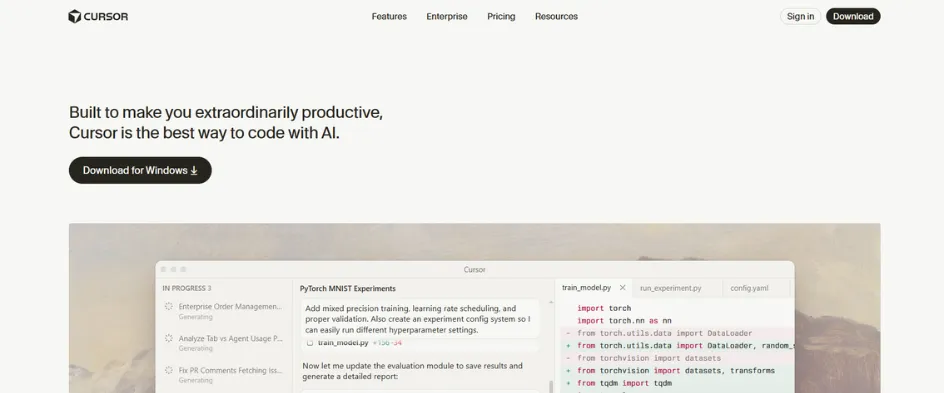
Cursor is a VS Code fork that indexes your repository and determines which files a request touches before proposing anything. Ask for a new API route, and it finds the relevant files rather than waiting for you to open them.

Key Features

  • @file and @folder references for pointing at specific code.
  • An outline of the planned changes ahead of execution.
  • Updates applied across every file the change reaches.
  • Code changes displayed for review before they land.
Benefits
  • A request pulls in related files without you naming them.
  • Repository-wide indexing keeps suggestions tied to the actual project.
  • Nothing reaches the codebase until you have seen it.
Drawbacks
  • Heavy agent use burns quotas fast.
  • No built-in app preview.

Pricing: Free; Pro from $20/mo

Rating: 4.6/5 (G2)
2. Devin Desktop

Deviniti

Devin Desktop is the new name for Windsurf, retaining its IDE experience while adding a central workspace for managing local and cloud coding agents.

Key Features

  • Agent Command Center for organizing and monitoring multiple agents.
  • A Kanban-style view of agent activity.
  • Agent Client Protocol support.
  • Devin Cloud access bundled into the Pro tier.
Benefits
  • Local and cloud agents are tracked from one place rather than separate tools.
  • Outside agents run inside the editor.
  • The original Windsurf editing experience carries over intact.
Drawbacks
  • Model access runs through Cognition infrastructure.
  • No support for connecting your own API keys.

Pricing: Free; Pro from $20/mo

Rating: 4.3/5 (G2, listed under Windsurf)

Developers who would rather keep their current IDE install an extension instead.

Best IDE-Integrated AI Coding Assistants

These tools install into the editor you already use, keeping the learning curve near zero but limiting how much of the codebase the model can hold in context.
3. GitHub Copilot

Github

Copilot runs as an extension in VS Code, JetBrains IDEs, Visual Studio, Neovim, and Xcode, pairing inline suggestions with an agent that can carry a task through on its own.

Key Features

  • Agent Mode, which takes a task, finds the files, and iterates.
  • Proposed terminal commands as part of agent execution.
  • A cloud agent that takes a GitHub issue and returns a branch with a pull request.
  • Inline suggestions in the editor.
Benefits
  • The widest IDE coverage of any assistant on this list.
  • A controlled study of 95 developers found those using Copilot completed a programming task 55.8% faster than those without it.
  • Routine issues can be handed off and collected as a reviewable branch.
Drawbacks
  • Less extensive cross-file context than Cursor.
  • Weak notebook support.

Pricing: Free; Pro from $10/mo

Rating: 4.4/5 (G2)

4. Gemini Code Assist

gemini - ai tech and development tools

Gemini Code Assist brings Google’s AI coding tools to VS Code, JetBrains IDEs, Cloud Shell Editor, Cloud Workstations, and Android Studio. Note one change: Google stopped serving free and individual-tier requests for the IDE extensions on June 18, 2026.

Key Features

  • Code generation and transformation.
  • Understanding of your local codebase.
  • Help with Google Cloud services such as Cloud Run and Firebase.
  • Multimodal input alongside a large context window.
Benefits
  • The large context window is a strength for working across larger codebases.
  • Strong codebase awareness keeps suggestions tied to the project at hand.
  • Deep integration with Google Cloud services shortens configuration work
Drawbacks
  • Value drops sharply outside the Google Cloud ecosystem.
  • Free and individual tiers for the IDE extensions are no longer served

Pricing: Standard from $19/user/mo

Rating: 4.4/5 (G2)
5. JetBrains AI Assistant

JetBrains AI Assistant

Built into IntelliJ IDEA, PyCharm, and WebStorm, this assistant reads project structure through the IDE’s own static analysis engine rather than treating the codebase as plain text.

Key Features

  • Model selection across OpenAI, Google, and Anthropic models.
  • JetBrains’ own Mellum model for first-party tools.
  • Local model support through Ollama.
  • Open model choice for first-party tooling.
Benefits
  • Suggestions follow how your project is organized rather than arriving generically.
  • Local models suit privacy-sensitive work.
  • Teams can match the provider to the task at hand.
Drawbacks
  • It sits on top of a paid IDE subscription.
  • Notebook support is thin.

Pricing: Free; AI Pro from $20/mo

Rating: 4.5/5 (Gartner Peer Insights)
6. Amazon Q Developer

Amazon Q Developer

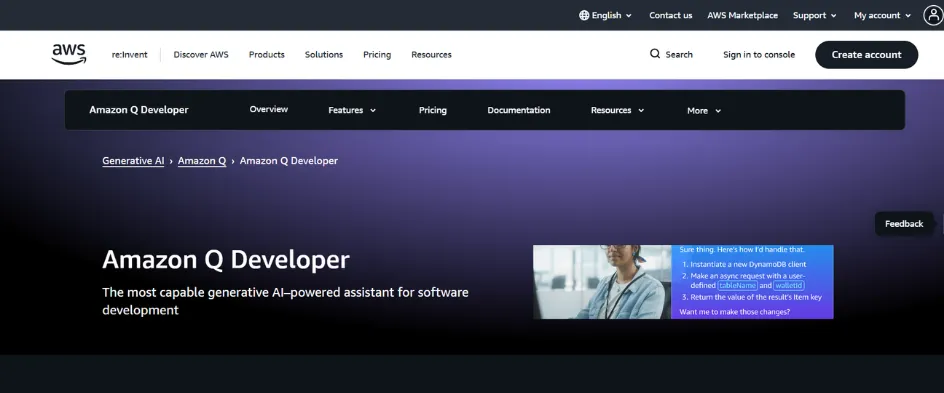
Formerly CodeWhisperer, Q Developer works in the IDE and CLI, drawing context from AWS documentation, your account configuration, and open source usage patterns.

Key Features

  • Code generation and updates across the editor and command line.
  • Help configuring services such as Lambda and SageMaker.
  • Support for CloudFormation, CDK, and Terraform.
  • Scanning for log injection, leaked secrets, and unsafe API usage.
Benefits
  • Security scanning is tuned to AWS-specific failure modes.
  • Context comes from your own account rather than generic documentation.
  • Application code and the infrastructure around it are covered together.
Drawbacks
  • It keeps pushing AWS patterns in multi-cloud work, even where alternatives fit better.
  • The free allowance of 50 agentic requests is quickly exhausted.

Pricing: Free; Pro from $19/user/mo

Rating: 4.6/5 (G2)
7. Tabnine

Tabnine

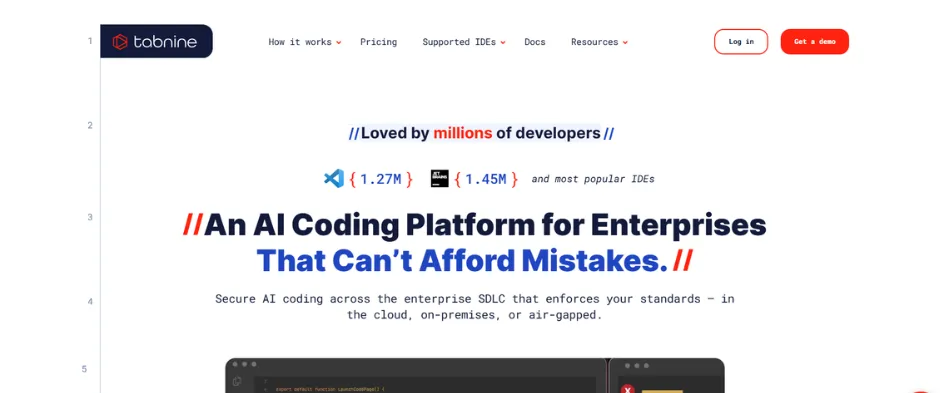
Tabnine is built for organizations that need AI assistance without proprietary code leaving their perimeter, which shapes both its deployment options and its compliance posture.

Key Features

  • Zero code retention, with no training on customer codebases.
  • GDPR, SOC 2, and ISO 27001 compliance.
  • Deployment from SaaS through VPC and on-premises to air-gapped environments.
  • Custom model training on your own code.
Benefits
  • Air-gapped deployment reaches environments other tools cannot.
  • Compliance coverage is already in place rather than negotiated separately.
  • Suggestions can be tuned to internal conventions over time.
Drawbacks
  • Context depth drops off after 3 files.
  • On-premises setup requires GPUs

Pricing: Free; Dev from $9/user/mo

Rating: 4.2/5 (G2)

Assistants stop at suggestions, which is why a second category grew up around agents who own entire tasks end-to-end./

Best Agentic and Terminal-Based AI Coding Tools

Terminal-first agents assume you know your stack and want the model to execute rather than advise, which suits experienced engineers more than newcomers.
8. Claude Code

Claude Code

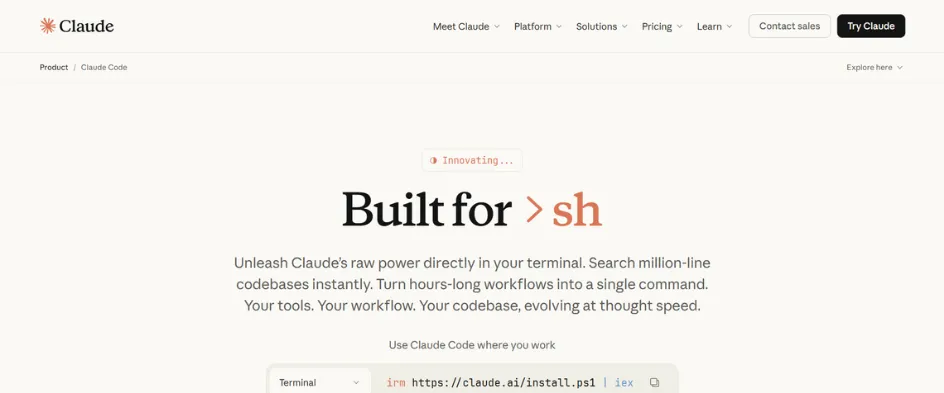
Claude Code is a terminal-first coding agent that also works through VS Code and other development environments, inspecting a repository before it proposes any change.

Key Features

  • Identification of relevant files and their dependencies.
  • Multi-step change planning ahead of execution.
  • Test running as part of the change cycle.
  • A /init command that creates a CLAUDE.md file for project-specific instructions.
Benefits
  • Strong repository awareness on codebases you have not worked in before.
  • Plans are approved before anything executes.
  • Project instructions carry across separate sessions.
Drawbacks
  • No traditional inline autocomplete.
  • Daily users call it fast but in need of supervision.

Pricing: Free; Pro from $17/mo

Rating: 4.7/5 (G2)
9. OpenAI Codex

OpenAI Codex

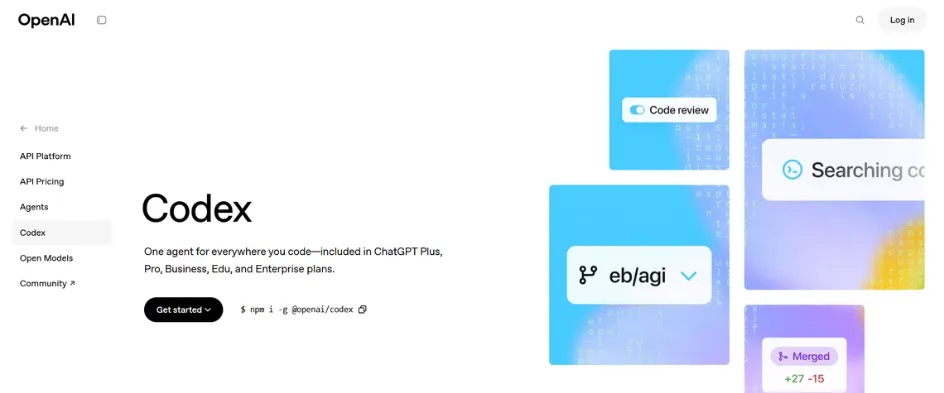
Codex runs as a cloud service, a local terminal agent, and a desktop command center for parallel threads, with sandboxing and approval gates around every run.

Key Features

  • Layered AGENTS.md instruction files scoped by folder, project, and global settings.
  • Skills, which load workflow instructions only when a task needs them.
  • Parallel threads managed from the desktop command center.
  • Sandboxed execution with approval gates.
Benefits
  • Layered instruction files keep standards consistent across a large repository.
  • Workflow instructions load conditionally rather than sitting in context permanently.
  • Sandboxing contains what any single run can change.
Drawbacks
  • Slower and less interactive than rivals.
  • Restricted to OpenAI models.

Pricing: From $20/mo with ChatGPT Plus

Rating: 4.7/5 (G2)

10. Aider

aider - ai tech and development tools

Aider turns a terminal into a pair-programming session tied to your Git repository, landing every change as a local commit rather than an unlogged edit.

Key Features

  • Automatic commits with readable messages.
  • A repository map built with tree-sitter.
  • Code mode for direct edits and architect mode for planning first.
  • Watch mode that starts work when you type a special comment.
Benefits
  • Rolling back is as simple as ordinary version control.
  • Project-wide awareness comes without loading everything into context.
  • Granular modes let you pick between planning and immediate execution.
Drawbacks
  • API costs scale with usage.
  • There is no graphical fallback.

Pricing: Free; model API costs only

Rating: 4.6/5 (SpotSaas)

11. Cline

Cline is an Apache 2.0-licensed VS Code extension built around bring-your-own-key access, aimed at teams that need to audit what leaves their network.

Key Features

  • Bring-your-own-key access to model providers.
  • System prompts fully visible to the team.
  • Plan Mode for drafting an approach and Act Mode for implementing it.
  • Checkpoints capturing workspace state after each operation.
Benefits
  • Teams can see exactly what is sent outside their network.
  • A bad step can be rolled back to the last checkpoint.
  • The approach is agreed before implementation begins.
Drawbacks
  • Cost management is on you.
  • Quality depends on which model you connect.

Pricing: Free; model API costs only

Rating: 4.7/5 (Product Hunt)

12. OpenCode

OpenCode is an open-source terminal-focused agent with desktop and editor clients, and by default it proposes changes rather than editing files directly.

Key Features

  • Connections to almost any provider on Models.dev, or to a local model.
  • Per-tool allow, deny, or approval permissions.
  • Desktop and editor clients alongside the terminal.
  • Change proposals held for confirmation.
Benefits
  • Per-tool permission controls are rare in this category.
  • Nothing has to leave your machine when a local model is used.
  • Files stay untouched until a proposal is accepted.
Drawbacks
  • Setup takes real effort.
  • Frequent releases have caused stability issues.

Pricing: Free; Go plan from $10/mo

Rating: 5.0/5 (Product Hunt)

Not every project begins with a repository, which is where prompt-to-app platforms take over.

Best AI Tools for Building Complete Apps From Prompts

These platforms plan, execute, and implement a working application from a written description, compressing prototyping from days to minutes but reducing your architectural control.

13. v0 by Vercel

v0

v0 generates React components and full NextJS applications from a description, styled with Tailwind and shadcn/ui, with a live preview sitting beside the code.

Key Features

  • A breakdown of pages, features, and tech choices shown before anything is written.
  • A custom AutoFix model that corrects errors in real time.
  • Component-level and full-application generation.
  • Live preview alongside the generated output.
Benefits
  • Seeing the plan first lets you fix the direction early.
  • Fast UI-to-application generation with automatic error fixing.
  • Vercel reports 93.87% error-free generation.
Drawbacks
  • Complex projects can consume credits quickly.
  • Generated code still needs developer review.

Pricing: Free; Premium from $20/mo

Rating: 4.9/5 (Product Hunt)

14. Bolt.new

Bolt.new runs complete NodeJS environments inside the browser using WebContainer technology, so package managers, servers, and backend code execute client-side with nothing installed locally.

Key Features

  • Support for React, Vue, NextJS, and Astro.
  • Expo for Android builds.
  • GitHub repository import and version rollback.
  • Deployment to Netlify or Bolt Cloud.
Benefits
  • WebContainer execution removes local dependency conflicts.
  • Framework breadth suits teams not tied to a single stack.
  • Existing repositories can be brought in rather than rebuilt.
Drawbacks
  • Token limits are a pain on larger projects.
  • Customization is limited.

Pricing: Free; Pro from $25/mo

Rating: 4.3/5 (G2)
15. Replit

Replit

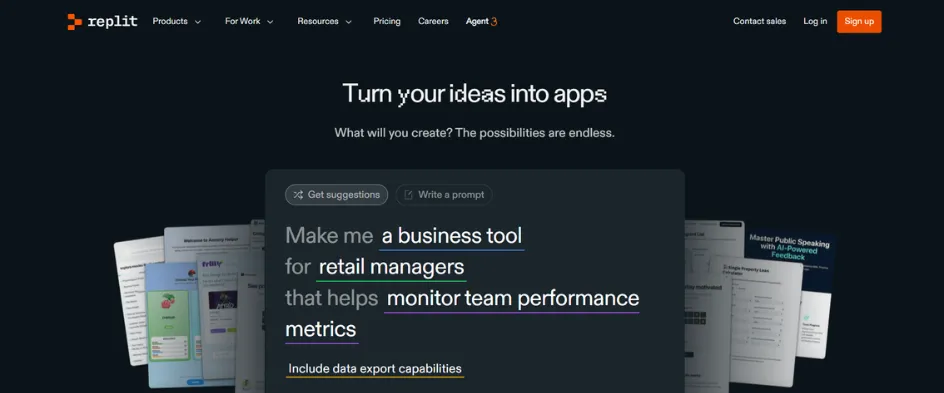
Replit is a browser IDE with an agent that asks clarifying questions first, so you review a plan rather than sorting through generated files.

Key Features

  • Agent 3 browser testing that clicks buttons, submits forms, and checks API integrations.
  • Video recording for debugging.
  • Self-healing fixes.
  • Up to 200 minutes of autonomous work per session.
Benefits
  • Autonomous browser testing comes with video replay for diagnosis.
  • Long autonomous runs cover work that would otherwise need supervision.
  • Clarifying questions surface misunderstandings before generation begins.
Drawbacks
  • It makes stack decisions for you.
  • It occasionally reports a fix it did not make.

Pricing: Free; Core from $20/mo

Rating: 4.5/5 (G2)

16. Lovable

Lovable builds full-stack web applications through conversation, generating React with Tailwind and connecting Supabase for the backend half of the stack.

Key Features

  • Supabase handling authentication, database operations, storage, and edge functions.
  • Visual editing alongside code generation.
  • Bidirectional GitHub integration.
  • Credits shared across unlimited users on Pro, with rollover.
Benefits
  • A change in either environment appears in the other.
  • Shared credits keep team collaboration from multiplying per-seat cost.
  • Non-technical contributors can adjust the interface without touching code.
Drawbacks
  • Backend features require Supabase to be connected first.
  • The stack is fixed by design.

Pricing: Free; Pro from $25/mo

Rating: 4.6/5 (G2)

Generating code faster only helps if review keeps pace, which created a tool category of its own.

Best AI Coding Tools for Automated Code Review

Reviewers who once handled a handful of pull requests a day now face double-digit queues, and cognitive load does not scale linearly. The working rule among teams delivering generated code at volume is to write with one tool and review with another.

17. CodeRabbit

CodeRabbit connects to a repository, runs linters and static application security testing on every pull request, and adds plain-English comments, usually within minutes.

Key Features

  • One-click fixes attached to review comments.
  • Filtering that removes unnecessary comments.
  • Adaptation to how your team handles review feedback.
  • Real scanners running alongside model reasoning.
Benefits
  • Near-zero setup before the first useful review.
  • Noise control is what makes it usable at pull request volume.
  • Feedback arrives fast enough to keep review from becoming the bottleneck.
Drawbacks
  • Per-seat cost stacks up.
  • Self-hosting is enterprise-only.

Pricing: From $24/dev/mo

Rating: 4.4/5 (G2)

18. Aviator Verify

Aviator Verify takes a spec-driven approach, analyzing code structure instead of relying on AI models to interpret what the code should do.

Key Features

  • Deterministic checks against approved acceptance criteria.
  • AST analysis tied to human-approved specifications.
  • AI models used only as a fallback.
  • Verification run against the agreed spec rather than inferred intent.
Benefits
  • Deterministic checks give repeatable results.
  • Review is anchored to what the team agreed the code should do.
Drawbacks
  • Teams need to define and approve specifications before verification can begin.
  • The specification step delays the first useful result.

Pricing: Custom pricing

Review requirements change when the code being reviewed is spread across notebooks and data pipelines.

Best AI Coding Tools for Data Science and Machine Learning

Notebook work breaks most assistants because context spans cells, services, and pipelines rather than one file, so the deciding factor is how well a tool reasons across the whole workflow.

An Augment Code evaluation using a 450,000-line Python codebase revealed the pattern: Copilot suggested a feature transformation that could have broken downstream model serving because it did not account for how the training pipeline connected to the inference service.

Among the best AI coding tools for this work, the right pick depends on where your pipeline lives.

19. Augment Code

Augment Code is built for complex ML pipelines in very large repositories, where its Context Engine runs semantic dependency analysis across the codebase.

Key Features

  • Coverage across 400,000+ files.
  • Context held across notebook cells.
  • Semantic dependency analysis rather than file-level lookup.
  • Flat seat allocation rather than per-user billing.
Benefits
  • Dependency analysis surfaces connections that break silently across services.
  • Notebook context does not reset between cells.
Drawbacks
  • The flat entry cost is high for teams well under 50 seats.
  • The depth of analysis only pays off in very large repositories.

Pricing: From $100/mo

Rating: 4.8/5 (Gartner Peer Insights)

20. Databricks Assistant

Databricks Assistant is built for teams already inside Databricks, reading the platform’s own data structures rather than treating them as generic code.

Key Features

  • Native reading of Delta Lake schemas.
  • Awareness of Spark partitioning.
  • Unity Catalog governance read natively.
  • Availability across the Databricks workspace.
Benefits
  • Suggestions reflect existing governance rather than working around it.
  • No separate purchase for teams already on Premium or Enterprise.
Drawbacks
  • Value is limited to teams already inside Databricks.
  • It does not extend to pipeline code living outside the platform.

Pricing: Included on Premium; from $0.08/DBU

Rating: 4.6/5 (G2, Databricks platform)

21. IBM watsonx Code Assistant

IBM watsonx Code Assistant is designed for regulated industries and legacy systems, built around modernization work rather than greenfield development.

Key Features

  • COBOL modernization support.
  • Audit trails across generated code.
  • Pre-trained models built for specific programming languages.
  • Customization of the underlying models against organizational practice.
Benefits
  • Audit trails meet the record-keeping regulated industries require.
  • Legacy systems can be modernized in place rather than rewritten.
Drawbacks
  • Built for enterprise scale, which puts it out of reach for smaller teams.
  • Pricing is custom, so there is no published entry point to evaluate against.

Pricing: Custom pricing

Rating: 4.2/5 (G2)

22. Snyk Code

Snyk Code is powered by DeepCode AI and runs beside a general assistant rather than replacing one, focusing entirely on security analysis.

Key Features

  • Detection of insecure S3 configuration.
  • Detection of over-permissive IAM roles in pipeline code.
  • Security scanning across the pipeline codebase.
  • DeepCode AI as the underlying analysis engine.
Benefits
  • Pipeline security is covered without giving up your existing assistant.
  • Infrastructure misconfiguration is caught alongside application code.
Drawbacks
  • Security scanning only, so a second tool is still required for general development.
  • Team-tier cost sits well above the per-seat assistants it runs alongside.

Pricing: Free; Team from $98/mo

Rating: 4.5/5 (G2)

One caution to keep in mind: a large context window does not guarantee architectural understanding. MIT CSAIL research found that current AI models still struggle with large codebases, often producing plausible code that fails to account for internal conventions and architectural patterns.

Budget is the other constraint on tool choice, and free plans beat what was on offer a year ago.

Best Free AI Coding Tools Worth Using

Some of the best AI coding tools are free permanently rather than free for a trial, though nearly all cap request volume once you move past evaluation:

  • Aider: Open source and unlimited; you pay only your model provider.
  • Cline: Apache 2.0 licensed VS Code extension with the same bring-your-own-key economics.
  • OpenCode: Open source and model-agnostic, local models included via Ollama or LM Studio.

Capped free tiers on paid AI tools for coding work better as an evaluation budget than a permanent plan:

  • GitHub Copilot: 2,000 completions and 50 chat requests monthly, plus full free access for verified students, teachers, and open source maintainers.
  • Cursor: 200 completions and 50 requests a month, plus a two-week Pro trial.
  • Amazon Q Developer: 50 agentic requests and 1,000 lines of code transformation monthly.
  • Replit: daily agent credits on Starter, enough to build and ship something small.

Free tiers make testing easier, and ease of use outweighs raw capability for anyone still learning, which narrows the list.

Which AI Coding Tool Is Best for Beginners?

Beginner-friendly AI tools for coding explain their reasoning and help fix mistakes, rather than producing blocks of code a new developer cannot evaluate. 

Consider the following: Easy setup, readable suggestions with explanations on request, error handling, coverage of Python, JavaScript, and Java, in-editor documentation, and predictable pricing.

Four options stand out in this category:

  • Replit: Nothing to install, explanations sit beside the output, and the agent asks questions first.
  • GitHub Copilot: Inexpensive, installs into an editor you will keep, and the free tier is enough to learn on.
  • Tabnine: Simple completions with a small footprint that adapts to your style.
  • JetBrains AI Assistant: Suggestions grounded in your project files, useful for seeing how a codebase connects.

One habit is worth building: treat every suggestion as a draft that needs review, because models routinely produce code that looks correct but misses edge cases, security flaws, and internal architecture rules.

Beyond skill level, three variables settle the decision for a working team.

How to Choose the Right AI Coding Tool for Your Team

Don’t choose on model quality or a polished demo. Set a baseline for your development and review metrics first, then check whether the tool improves delivery. AI can speed up coding while adding work to code review and QA.

Choosing by Role: Frontend, Backend, and DevOps

Role shapes the work more than programming language does.

  • Frontend: v0 and Lovable generate interfaces quickly, and Cursor handles component refactors across files. Interface work benefits most from a live preview.
  • Backend: Claude Code and Codex suit service-level work where the model must trace a change through modules. Aider fits developers who want every change committed in Git.
  • DevOps: Amazon Q Developer covers infrastructure as code across CloudFormation, CDK, and Terraform with scanning attached.

Choosing by Budget and Pricing Model

Four pricing models circulate here, and each fails in a different way.

  • Flat-rate subscriptions: Predictable, but heavy users hit usage limits. Individual plans typically run $10 to $200 a month.
  • Credit-based pricing: Better value for heavy workloads, harder to forecast.
  • Bring your own API key: Cline, Aider, and OpenCode connect to your own model provider, giving you control over usage and cost.
  • Local models: No API fees, but you absorb GPU costs, setup, maintenance, and deployment.

The real cost also includes review time, rework, and debugging. A cheaper tool that produces larger, messier pull requests can cost more than a pricier one producing cleaner results.

Choosing by Security and Data Governance Needs

Three questions matter before a tool touches proprietary code.

  • Where does the context go? Prompts, repository context, and generated code leaving approved systems create security risk. Check the provider’s data retention and training policies.
  • What deployment options exist? Tabnine offers SaaS, VPC, on-premises, and air-gapped. Cline, OpenCode, and Aider run against local models. Most others are cloud-only.
  • Who owns the output? IP indemnification appears on Copilot Enterprise, Amazon Q Pro, and Tabnine’s higher tiers; reference tracking helps with copyleft exposure.
  • SOC 2 is a common enterprise baseline, with ISO 42001 and FedRAMP relevant in regulated environments. Teams should also define policies for AI-generated code, security reviews, and acceptable use.

Conclusion

There is no best AI coding tool for every team. The ones that work well in practice usually do three things:

  • Understand enough of your codebase to be useful
  • Fit naturally into your existing workflow
  • Let you review changes before they go live

Start with the job you need to solve. Cursor suits multi-file edits, Claude Code works well with large codebases, Copilot fits everyday coding, and Replit is useful for building apps without local setup. For strict data residency, consider Tabnine or local-model options such as Cline and OpenCode.

Before committing, test two or three tools on your own codebase for a week and measure results, not usage. The right tool is the one that helps your team move from idea to production with minimal friction.

FAQs

Which is the best AI tool for development?

There is no universal winner. Cursor leads multi-file editing, Claude Code handles large repositories, Copilot covers everyday IDE work, and Tabnine serves air-gapped teams. Match the tool to the job, not to benchmark scores.

Which AI tool is best for coding?

For most developers, GitHub Copilot at $10/month offers strong value without changing editors. Choose Cursor for repository-wide agentic edits in a dedicated IDE.

What are the top AI technologies powering coding tools today?

Large language models, repository indexing, AST parsing, sandboxed execution, and Model Context Protocol servers that connect agents to external tools and data.

What’s the difference between an AI coding assistant and an AI coding agent?

An assistant reacts to what you type with completions, explanations, and quick refactors. An agent takes a goal, inspects the repository, edits files, runs commands, and returns finished work for review.

Is there a good free AI coding tool?

Yes. Aider, Cline, and OpenCode are free and open source, so you pay only your model provider. Copilot, Cursor, and Amazon Q Developer offer capped free tiers adequate for evaluation.

Which AI coding tool works best with VS Code?

GitHub Copilot is the safest VS Code choice for broad support and minimal setup. Cline suits developers who want an agent on their own API keys. Cursor replaces VS Code rather than extending it.