Compare 10 leading blogging platforms by cost, SEO, control, and monetization.
WordPress.org offers the most control but requires more hands-on maintenance.
Ghost and Substack work well for newsletters, memberships, and paid content.
Wix and Squarespace simplify blogging alongside a complete business website.
Webflow and Hyperblog suit teams with specific design or SEO requirements.
Most blogging platforms look the same during a free trial. The real differences show up later, when a redirect fails, images don’t transfer during export, or a basic feature is locked behind a higher subscription plan. By then, your blog may already have traffic and subscribers, making it expensive to migrate.
This guide compares 10 of the best blogging platforms based on features, benefits, drawbacks, pricing, and ratings.
What Separates the Best Blogging Platforms in 2026
The table below places the best blogging platforms side by side, with the entry price and current rating for each.
The reviews that follow explain where each of these top blogging platforms justifies its price and where its limitations affect your blogging experience.
The 10 Best Blogging Platforms, Reviewed in Detail
Each of the best blogging platforms below is assessed on capability, cost, and the specific constraint that eventually leads teams to migrate elsewhere.
1. WordPress.org
WordPress.org is the self-hosted version of WordPress. The software is free to download, allowing you to arrange your own hosting and maintain complete control over the theme, plugins, analytics stack, and payment gateway. For those planning to use WordPress for blogging, choosing the right hosting and setting up the site are among the first steps to consider when starting a blog on WordPress.
It powers over 40% of the web and has fewer hard limits than many other best blogging platforms. WordPress 7.0 takes it further with real-time collaboration and AI APIs for developers.
Key Features:
Open-source core with block editing, revisions, scheduling, and multi-author roles.
Plugin ecosystem covering SEO, redirects, schema markup, memberships, and email.
Direct control over permalinks, templates, and site architecture.
Self-hosted database and media library, exportable at any point.
Benefits
You retain ownership of the content, database, and domain, simplifying future migration.
All revenue models are supported, including advertising, affiliates, courses, memberships, and product sales.
The developer pool is larger than for any other CMS, which keeps both hiring and ongoing fixes affordable.
Drawbacks
Core, theme, and plugin updates remain your responsibility, and delaying them creates security exposure.
Accumulated plugins slow page load times and introduce conflicts that are difficult to diagnose.
Total cost is difficult to forecast until hosting, themes, and paid extensions are settled.
Pricing: Free software; hosting and domain billed separately
Rating: 4.4/5 (G2)
2. WordPress.com
WordPress.com is the hosted version of WordPress, with infrastructure managed by Automattic. Hosting, security, SSL, updates, and backups are handled for you so that you can focus on publishing.
The trade-off is less control than self-hosted WordPress. Paid plans provide access to plugins and third-party themes, which can add functionality and design options to your site, while advanced features such as automated backups and staging require the Business plan or higher. Understanding the benefits of WordPress plugins can also help you decide whether additional plugins are worth adding to your site.
Key Features:
Managed hosting with automatic updates, daily backups, and SSL included.
Free tier with a WordPress.com subdomain, with custom domains available on paid plans.
Built-in statistics, SEO fields, and payment collection on paid tiers.
Plugin and custom theme installation available on the Business plan.
Benefits
The editor and export format match self-hosted WordPress, making it easier to move between the two.
No server management is required, making it suitable for individual writers and small marketing teams.
Traffic spikes are absorbed by Automattic’s infrastructure, so a viral post does not need a hosting upgrade.
Drawbacks
The free tier displays WordPress.com advertising on your site.
Plugins, custom themes, and advanced SEO controls all require the Business plan.
Monthly billing costs approximately twice the annual rate across most tiers.
Pricing: Free plan; paid plans from $4/mo billed yearly
Rating: 4.4/5 (G2)
3. Ghost
Ghost is an open-source publishing platform built around a single principle: the website and the newsletter should draw on the same subscriber database. Memberships, paid tiers, and email delivery are native to the product, removing the need to add extensions.
Its 2026 releases extended into AI search and machine-readable content, including llms.txt and Markdown versions of posts.
Key Features:
Native email newsletters with unlimited sends across every plan.
Membership tiers and paid subscriptions via Stripe, with no platform fees.
Built-in SEO tools for sitemaps, structured data, canonical tags, and social metadata.
First-party traffic analytics with UTM analysis and signup attribution.
Benefits
Ghost retains none of your subscription revenue on paid plans.
Self-hosting the software is free under the MIT license.
Pages load quickly by default because there is no plugin layer to bloat them.
Drawbacks
There is no free hosted tier, so paid billing starts from day one.
The Starter plan limits you to 1,000 members and excludes paid subscriptions and custom themes.
No plugin marketplace, so custom features may require development.
Pricing: Free self-hosted; Ghost(Pro) from $18/mo billed yearly
Rating: 4.0/5 (G2)
4. Substack
Substack makes it seamless to launch newsletters. Your post can be published as a web page and sent to your subscribers simultaneously. Recent updates introduced post templates, scheduled Notes, and live video, which makes recurring formats easier to produce.
You publish a blog, readers subscribe by email, payments run through Stripe, and the platform charges nothing until you start charging your audience.
Key Features:
Email delivery, web archive, and subscription payments within one publishing flow.
Sections for running several newsletters or podcasts under a single publication.
Audio, video, and live video posts with transcripts and paid previews.
Notes and cross-recommendations help new readers discover your publication.
Benefits
Testing a publication carries no cost, since fees apply only once paid subscriptions are enabled.
The recommendation network brings in new subscribers, unlike most self-hosted blogs.
Subscriber lists export as CSV, so the audience relationship remains accessible and portable.
Drawbacks
The 10% commission has no upper limit, so a publication earning $10,000/month pays $1,000/month.
The site’s structure and design are fixed, leaving limited room for technical SEO work.
Connecting a custom domain carries a one-time $50 fee.
Pricing: Free to publish; 10% of paid subscription revenue plus Stripe fees
Rating: 4.3/5 (G2)
5. Medium
Medium is a publishing network rather than a traditional content management system. You publish to an already established audience while Medium handles hosting, design, and distribution.
The trade-off is less control over your site, branding, and monetization than you get with a traditional blog.
Key Features:
Distraction-free editor with automatic formatting and consistent typography.
Distribution through Network, General, and human-curated Boost channels.
Publications allow several writers to contribute under one masthead.
Partner Program payouts are calculated based on paying members’ reading time.
Benefits
A strong article can reach readers who would be unlikely to discover a new domain on their own.
Publishing requires no setup, no hosting, and no ongoing maintenance.
Drawbacks
You do not own the audience data, the design, or the analytics.
Partner Program earnings are modest and can change with the distribution algorithm.
Lead capture, custom calls to action, and technical SEO controls are largely unavailable.
Pricing: Free to publish; reader membership $5/mo or $50/yr
Rating: 3.5/5 (TechRadar)
6. Squarespace
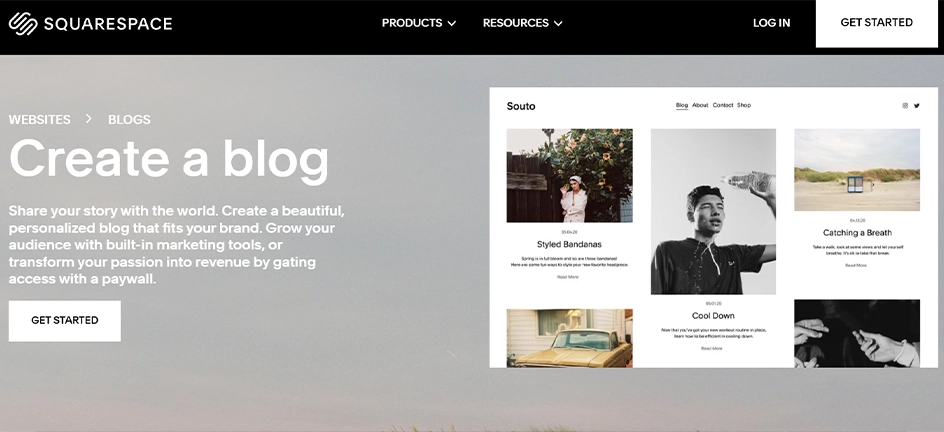
Squarespace works well for organizations that need a blog as part of a larger website. Templates, hosting, commerce, forms, and scheduling are included as a single package.
The result generally looks professional without design input, which is why it is frequently recommended as the best website for blogging when visual consistency matters more than deep customization.
Key Features:
Designer-built templates with consistent typography and reliable mobile layouts.
Blog tools covering scheduling, excerpts, categories, tags, comments, and paywalls.
Per-page SEO descriptions and related-post blocks for showcasing older articles.
Native commerce, forms, and email marketing add-ons.
Benefits
The quickest path to a polished site for teams without dedicated design resources.
One subscription covers the entire stack, with no separate hosting or plugin bills.
Posts are exported to a WordPress-compatible file, so migrating later remains possible.
Drawbacks
There is no permanent free plan, only a 14-day trial.
Content organization is limited compared with a full CMS, making large archives difficult to manage.
The Basic plan applies a 2% commerce fee and does not permit custom code.
Pricing: 14-day trial; plans from $16/mo billed annually
Rating: 4.4/5 (G2)
7. Wix
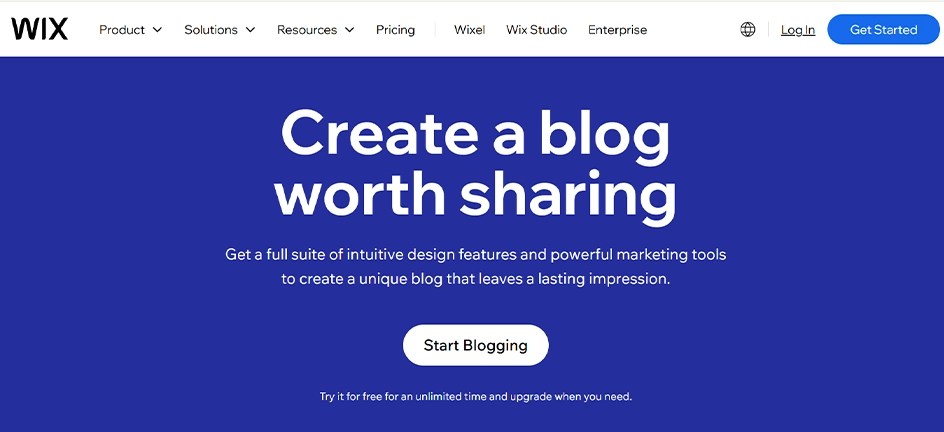
Wix remains the most approachable option in this list of best blogging platforms. Its drag-and-drop editor positions elements exactly where you place them, and the blog sits within a wider platform that also handles bookings, stores, and marketing.
Its search tooling has improved considerably, including support for IndexNow and an AI generator that applies Schema.org markup to published posts.
Key Features:
Blog composer with media handling, scheduling, editing permissions, and per-post SEO settings.
Wix Analytics reporting on blog traffic, search visibility, and acquisition sources.
AI structured-data generator, enabled by default for new sites and optional for existing ones.
Benefits
Usable from the first day, with no theme files, plugins, or hosting decisions required.
The app market covers bookings, forms, and email without third-party development.
Drawbacks
Exporting a complete Wix site is considerably harder than exporting posts, which raises the cost of migration.
Advertised annual rates apply to the first year only, and renewal pricing increases.
The platform’s breadth makes the interface heavier than a blog-focused tool needs to be.
Pricing: Free plan; paid plans from $17/mo billed annually
Rating: 4.2/5 (G2)
8. Webflow
Webflow gives designers direct control over markup and layout without routing every change through an engineer. The next-generation CMS was rolled out to all users in April 2026, with higher Collection limits and multi-level nesting.
Its CMS lets teams structure and manage blog content themselves. This flexibility is useful when someone manages the CMS, but it can become harder to maintain without that expertise.
Key Features:
Visual builder that outputs clean, semantic HTML and CSS.
CMS Collections with references, nesting, and CSV import and export.
Automatic or custom sitemaps, canonical tags, and schema markup for SEO and AEO.
Localization support for publishing Collection content in multiple languages.
Benefits
Marketers can publish and edit pages without waiting on a developer or a release.
Custom code and integrations are still available when a requirement goes beyond the visual builder.
Hosting, SSL, and backups are included, so there is no separate host to manage.
Updating a Collection template automatically updates every post using it.
Drawbacks
The Basic plan excludes the CMS, so any working blog requires the Premium plan.
Editor seats are billed separately at $39/month for full access.
The learning curve is steeper than any other hosted builder in this comparison.
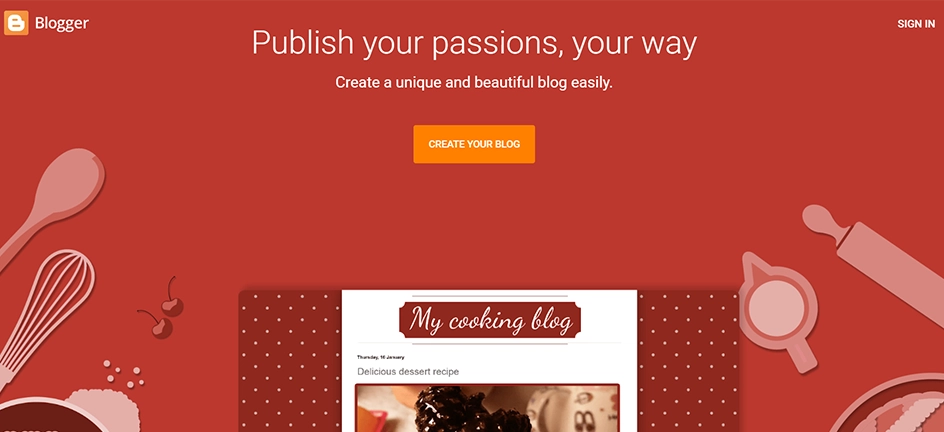
Blogger has been around since 1999 as one of the best blogging platforms, and Google still hosts it for free. While development has slowed, it still offers essential blogging features such as custom domains, templates, analytics, and basic monetization.
It remains a reasonable home for a personal blog, a classroom project, or an archive with no commercial requirement.
Key Features:
Free hosting on a blogspot.com address, with optional custom domain mapping.
Search settings for descriptions, custom redirects, robots.txt, and robots header tags.
Native AdSense integration for advertising revenue.
Content import, backup, HTTPS, and Google Analytics connections.
Benefits
There is no cost at any stage, including hosting, SSL, and bandwidth.
Minimal maintenance since Google handles the infrastructure, removing the need to manage uptime or server issues.
Drawbacks
Design options feel outdated compared with modern website builders.
No built-in memberships, paid subscriptions, or advanced lead capture.
Limited product development makes Blogger a weaker choice for long-term projects.
Pricing: Free to use
Rating: 4.3/5 (Capterra)
10. Hyperblog
Hyperblog is a newer platform built for marketing teams rather than individual writers. It consolidates technical SEO, on-page engagement elements, and lead capture into the publishing workflow.
The intention is to offer a unified workflow for an SEO plugin, a form builder, and a design tool.
Key Features:
Automatic technical SEO on publish, covering meta tags, schema, canonicals, sitemaps, and IndexNow.
AI-generated banners, infographics, polls, and lead magnets, metered through monthly credits.
Lead forms and lead magnet delivery placed directly within posts.
Subfolder or subdomain hosting, so the blog can attach to an existing website.
Benefits
Technical SEO remains available on the free plan rather than being reserved for paid tiers.
Content can run on yoursite.com/blog without changing your main website.
Drawbacks
It is a blog CMS rather than a website builder, so it will not run a complete site.
There is no plugin ecosystem, so unusual features require custom development.
Native analytics are still listed as coming soon, and the product remains in beta.
Pricing: Free forever plan; paid plans from $26/mo billed annually
Rating: Not yet rated
How to Choose the Right Blogging Platform for Your Goals
Work backward from the outcome you need rather than forward from a feature list:
Paid subscriptions are the business model: Compare Ghost and Substack, modeling your expected annual revenue against a flat fee and against a 10% commission.
Organic search is the primary channel: WordPress.org or Hyperblog, since both provide direct control over metadata, redirects, and schema.
The blog supports a broader business site: Squarespace or Wix, where the site and the blog share a single system and invoice.
Design forms part of the brand promise: Webflow, provided one person manages the CMS structure for the long run.
You are still establishing a publishing habit: Medium or Blogger, since neither carries a cost if the project ends.
Once the shortlist reaches two options, apply five checks to both before committing:
Publish a complete post with images, a table, and an embed, then export it and review it thoroughly.
Set a canonical URL, a 301 redirect, and a custom meta description on that post.
Build the primary conversion path, whether that is a form, a paid tier, or a product link.
Calculate the full annual cost, including hosting, editor seats, email delivery, and paid add-ons.
Identify who will be responsible for updates, broken links, and content refreshes twelve months from now, whether that sits in-house or with an agency like Yelo Marketing.
These five checks reveal more about how a platform performs in practice than any feature comparison of the top blogging sites.
Final Thoughts on Selecting the Right Blogging Platform
Among the best blogging platforms, the right fit is whichever your team can run consistently after launch, not the one with the most features or the least expensive.
WordPress.org offers the most control but demands the most upkeep. If paid subscriptions drive the business, Ghost and Substack are built for that model. Squarespace and Wix keep a full business site simple, while Webflow suits teams with in-house designers. Medium and Blogger cost nothing, and Hyperblog suits teams whose blogs are expected to generate leads.
Planning a migration or a new publishing setup? Contact us to discuss what your blog needs.
Frequently Asked Questions
What is the best blogging platform for SEO?
WordPress.org, because it gives you extensive control over redirects, schema, permalinks, site structure, and page speed. Ghost and Hyperblog offer many of these SEO controls out of the box. Hosted builders cover the basics but can limit deeper technical optimization.
What is the difference between WordPress.com and WordPress.org?
The same software with different responsibilities. WordPress.org is self-hosted, so you arrange hosting and manage updates but face no restrictions. WordPress.com is managed for you, with plugins and custom themes reserved for the Business plan.
Can I switch blogging platforms later without losing my traffic?
Yes, provided you own a custom domain and map every old URL to a 301 redirect. Rankings usually recover within weeks. Broken redirects can cause traffic and ranking losses.
What makes a blogging platform good for AI search?
Clean server-rendered HTML, accurate schema, descriptive headings, and concise answer-style summaries. Ghost and Hyperblog now publish llms.txt files and Markdown versions of posts. None of this guarantees citations, but it makes pages machine-readable.
Is blogging dead because of AI?
No. AI has made thin, generic content less valuable. AI answers still cite original research, firsthand experience, and expert insights. Traffic per post may have declined, but useful content can still attract readers and citations.
Sneha Shah is a sales director of WPWebElite who knows how to make businesses thrive. With 7+ years of experience, Sneha has a knack for increasing sales and boosting profits. She understands what customers want and is talented at creating winning sales strategies. Sneha is a great leader who motivates her team to exceed targets and achieve excellence.

 Last Updated On