Best CMS Detector Tools to Find Out What CMS This Site Is Using
-
 Last Updated On
Ever wondered what CMS a website is using, but had no idea how to find out? Identifying a website’s CMS can give you valuable insights without digging deep into the code. Knowing which CMS your competitors use can help you understand their technology choices and make more informed decisions when planning your own website.
A CMS detector makes this process much easier. It analyzes a website’s code, scripts, metadata, headers, and other technical fingerprints to identify the platform. From WordPress and Shopify to less common CMS platforms, these tools quickly reveal what powers the website.
In this guide, we’ll explore the best CMS detector tools, compare their key features, and explain how they work. You’ll also learn how to manually identify a CMS and understand the limitations of automated detection.
A CMS detector is a tool that identifies the content management system or website platform powering a website. It can help determine whether a site uses WordPress, Shopify, Joomla, Drupal, Wix, or another CMS without requiring backend access.
CMS detectors examine publicly available signals from a website, including its HTML, scripts, server responses, and technology patterns. More advanced tools combine several detection methods to identify the CMS and may also reveal related technologies such as frameworks, analytics tools, hosting infrastructure, and plugins.
A CMS detector typically combines multiple technical signals rather than relying on a single indicator. This helps improve detection when a website has customized its code or hidden obvious CMS identifiers.
Here is a quick comparison table of the best 10 CMS detectors we’ve evaluated.
| CMS Detector Tool | Best For | Additional Technology Insights | Free Version |
|---|---|---|---|
| WPWeb Elite CMS Checker | Quick CMS identification | Basic technology details | Yes |
| WhatCMS | Simple CMS detection | Hosting and related technologies | Yes |
| Wappalyzer | Technology stack analysis | Frameworks, analytics, libraries, and more | Yes |
| BuiltWith | Detailed technology profiling | Hosting, analytics, advertising, and infrastructure | Yes |
| W3Techs | CMS and web technology research | Usage statistics and technology trends | Yes |
| IsItWP | WordPress detection | WordPress themes and plugins | Yes |
| Netcraft Site Report | Website technology and security information | Hosting, SSL, infrastructure, and security details | Yes |
| Rescan.io | Technology detection | Website technologies and infrastructure | Yes |
| CMSDetect | Identifying website CMS | Basic technology information | Yes |
| SiteAnalyzer | Website and technology analysis | SEO and technical website data | Limited |
The right CMS detector depends on the level of detail, ease of use, and technology coverage you need. Here are 10 CMS detector tools that can help you identify the platform and technologies powering a website.
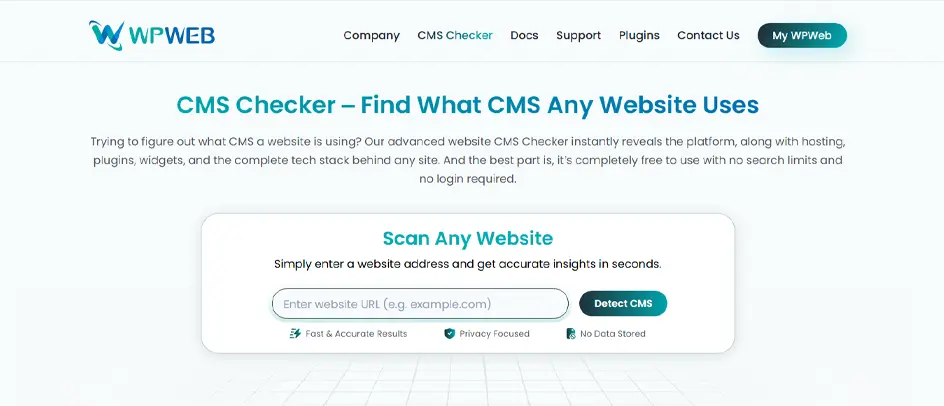
WPWeb Elite CMS Checker is a highly reliable free online tool that identifies the platform powering a website without you needing backend access or registration. Enter a website URL, and the tool analyzes its technology stack to detect the CMS along with related details such as hosting, databases, frameworks, and plugins. It can identify more than 250 platforms, including WordPress, Joomla, Magento, Shopify, Drupal, Wix, and others. This makes it useful for developers, marketers, SEO professionals, and agencies conducting website or competitor research.
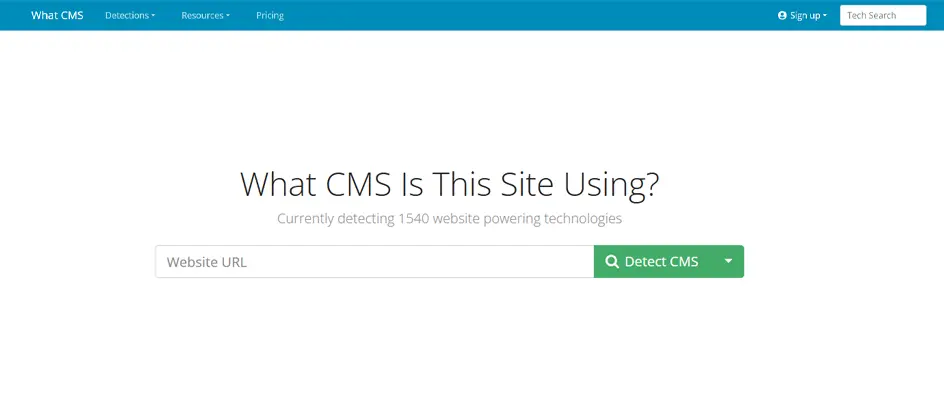
What CMS is a fast, free, and reliable tool that identifies over 1200 content management systems, frameworks, and eCommerce platforms by looking for specific system artifacts. It answers requests from users worldwide who want to learn more about the websites they use. It has a user-friendly interface and is highly accurate.
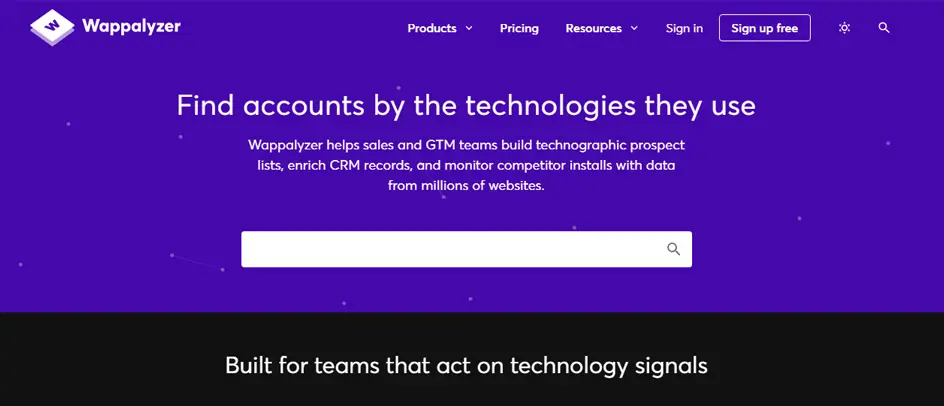
You can choose Wappalyzer if you don’t wish to use a web-based tool. It is a Chrome extension that works well, like other tools. It is a technology profiler that automatically detects the Content Management System, JavaScript frameworks, analytics trackers, and hosting environments on websites.
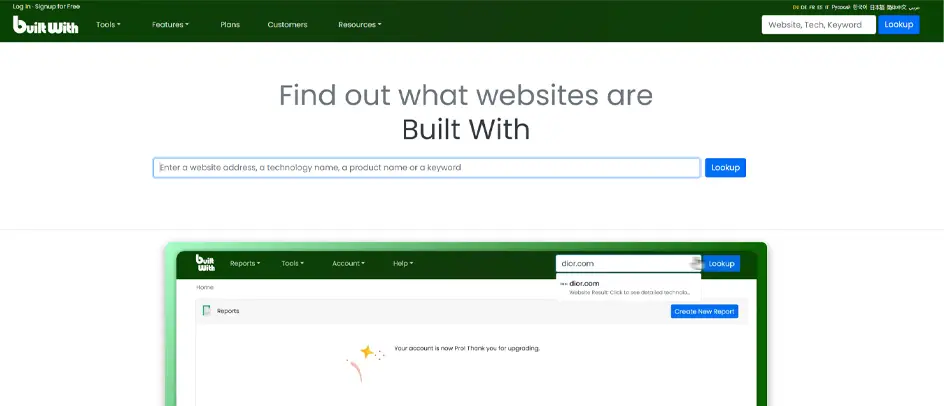
BuiltWith is widely considered one of the best and most comprehensive CMS detector tools for uncovering a website’s technology stack. It not only tells you which CMS the website uses but also lets you check which tools are installed. Just enter the website URL, and it will show which analytics tools are used.
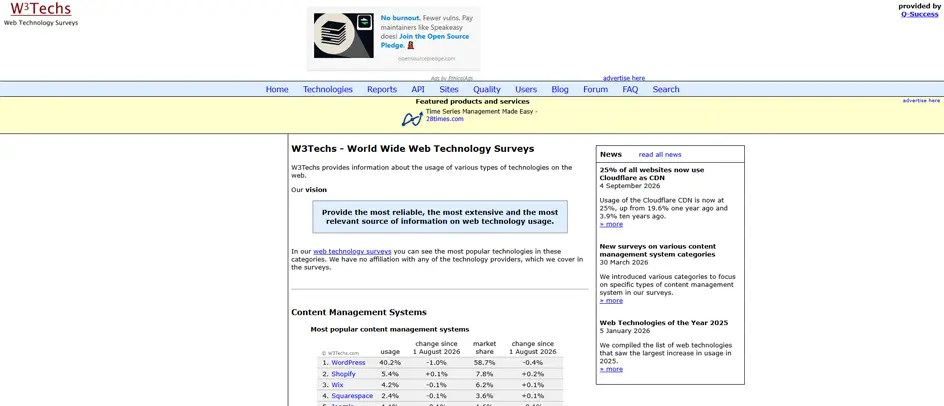
W3Techs stands out as a complete technical blueprint of any website, not just the primary platform. The tool automatically detects the site’s full technology stack, including the Content Management System, server-side programming languages, web servers, hosting providers, and active JavaScript libraries. You can navigate to the site and enter your target URL.
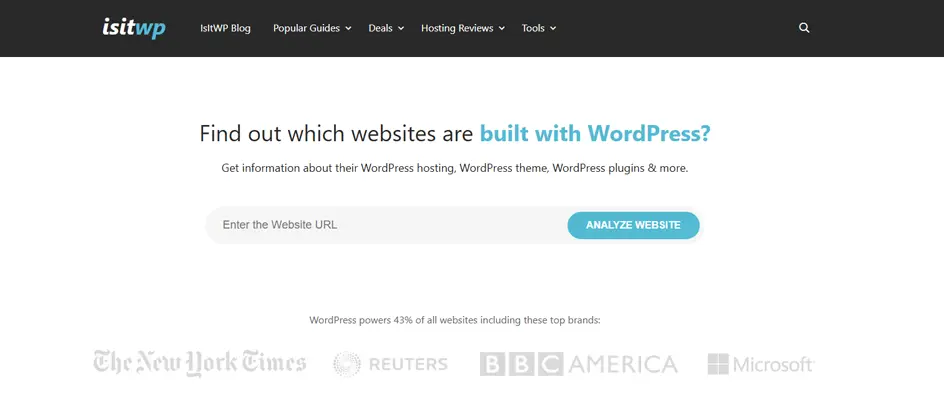
IsItWP is a specialized web-based tool that analyzes any website’s architecture to determine whether it runs on WordPress. It lets you identify details about a WordPress website, such as the theme, plugins, hosting, and other information. It stands out for its ability to instantly dissect the site’s source code, revealing more than just the CMS.
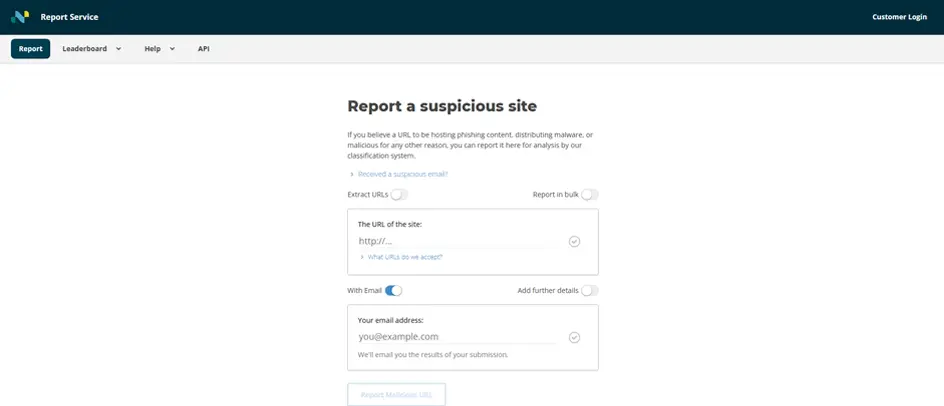
The Netcraft Site Report provides comprehensive web intelligence, including hosting and IP history, nameserver configurations, and active SSL/TLS certificate details. It also scans for domain protections such as SPF and DMARC records alongside underlying frameworks through its Technologies module [1]. For more information, visit Netcraft Site Report.

Rescan.io, formerly known as Allora, is a simple, fast, and free online CMS detector and website technology analysis tool. It lets users instantly identify the frameworks, content management systems (CMS), and underlying scripts powering any website by entering its URL. Instead of overwhelming users with disorganized data, it separates results into specific groups in a single, easy-to-read scroll.
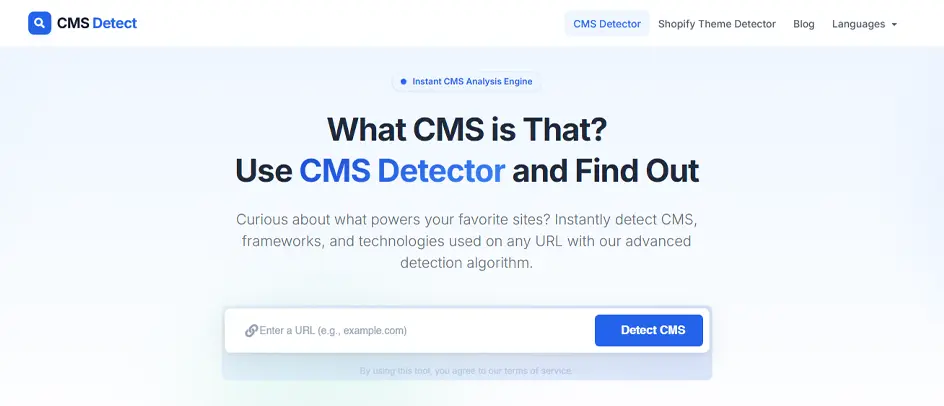
CMSDetect is one of the highly rated CMS detector tools for its user-friendly interface, instant detection speed, and ability to identify a website’s underlying technology easily. It scans public-facing source code to detect 400 to 600 CMS platforms, eCommerce systems (like Shopify), frameworks (like Laravel), and website builders.
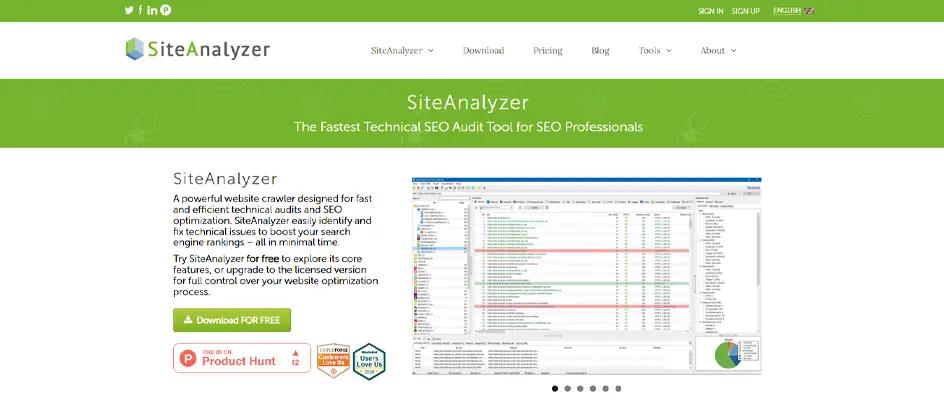
SiteAnalyzer features built-in CMS detection alongside its primary functions as an SEO audit tool and a technical web crawler. Depending on which specific SiteAnalyzer tool you use, you can identify a website’s content management system through its desktop crawler software, a dedicated web platform, or a browser extension.
CMS detector tools come in different formats depending on how you want to analyze a website. The main types include web-based tools, browser extensions, and technical detection solutions.
Online CMS detectors let you enter a website URL and scan it directly from a web browser. These tools analyze publicly available signals such as HTML, scripts, meta tags, and technology fingerprints to identify the CMS and related technologies. They are useful for marketers, developers, and researchers who want quick results without installing additional software.
Browser extensions detect the technologies a website uses while you browse it. Once installed, the extension can analyze the current page and display information about its CMS, frameworks, analytics tools, plugins, and other technologies. This makes browser extensions useful for quickly researching multiple websites without repeatedly copying URLs into an external tool.
Server-side and technical detection tools perform deeper analysis by examining HTTP responses, headers, source code, DNS information, server technologies, and other publicly accessible signals. They are particularly useful for developers, security professionals, and technical researchers who need more detailed technology fingerprints. However, detection accuracy can vary when websites use custom development, security measures, CDNs, or headless architectures.
You do not always need a dedicated CMS checker tool to identify the platform behind a website. By inspecting publicly visible elements such as source code, URLs, scripts, and HTTP headers, you can often find clues about the CMS being used.
Open the website’s page source and search for CMS-specific identifiers. WordPress websites may contain paths such as wp-content, wp-includes, or wp-admin. Once you confirm that a website uses WordPress, you can also explore popular page-building options if you’re evaluating ways to create or customize its pages.
Some websites include a generator meta tag that identifies the CMS directly. In the page source, search for:
<meta name=”generator” content=”WordPress”>
The tag may also reveal the CMS version, although many websites remove or modify this information for security or privacy reasons.
CMS platforms often use recognizable URL structures and asset paths. WordPress, for example, commonly uses /wp-content/ for themes and plugins. Other platforms may expose distinctive paths, file names, or URL parameters that hint at the underlying CMS.
Use browser developer tools or command-line utilities to inspect HTTP response headers. Headers such as X-Powered-By, server information, or platform-specific response values may reveal details about the site’s technology stack. However, these headers can be removed or modified by the website owner or hosting infrastructure.
Some CMS platforms have recognizable administration paths. For example, WordPress commonly uses /wp-admin/ and /wp-login.php. Identifying publicly exposed CMS-specific login paths can provide another clue, although custom login URLs and security plugins may hide the default paths.
Look for CMS-specific JavaScript files, CSS paths, plugin directories, framework names, or recognizable code patterns. Combining several of these indicators is more reliable than relying on a single identifier, particularly when the website uses a custom theme or modified configuration.
Manual detection works well for simple websites, but it becomes harder when a site uses a headless CMS, CDN, custom architecture, or deliberately hides its technology signatures. In such cases, a dedicated CMS detector tool can analyze multiple fingerprints at once and provide a faster assessment.
CMS detector tools make it easier to identify the technology powering a website without backend access. From online CMS checkers and browser extensions to more advanced technology fingerprinting tools, these solutions can help identify platforms such as WordPress, Shopify, Joomla, Drupal, and others. They can also reveal related technologies, including frameworks, plugins, analytics tools, and hosting infrastructure.
However, no CMS detection method is guaranteed to be completely accurate. Custom development, headless architectures, CDNs, security configurations, and hidden technology signatures can make identification more challenging. A CMS detector can save time when you need a quick assessment, while manually checking source code, meta tags, URLs, scripts, and HTTP headers can provide additional confirmation. If your analysis confirms the platform a website uses and you’re planning a new project, you can also explore WordPress development companies that specialize in building websites.
CMS detector tools are generally accurate for popular platforms like WordPress, Shopify, and Wix.
However, customizations, security settings, CDNs, or headless CMS setups can affect results.
For reliable results, cross-check findings with another CMS detection tool or technical signals.
Not always. CMS detector tools may struggle to identify custom-built websites because they often lack recognizable CMS fingerprints. Headless websites can be even harder to detect because the frontend may hide the CMS powering the backend. These tools may identify supporting technologies, but treat their results as estimates rather than definitive proof.
Not always. CMS detector tools may struggle to identify custom-built websites because they often lack recognizable CMS fingerprints. Headless websites can be even harder to detect because the frontend may hide the CMS powering the backend. These tools may identify supporting technologies, but treat their results as estimates rather than definitive proof.
Yes, many CMS detector tools offer free versions for basic website detection. Some may limit features such as bulk checks, detailed technology reports, or API access. Paid plans are usually available for advanced analysis and larger-scale usage.
For beginners, Wappalyzer is a reliable and easy-to-use option for identifying a website’s CMS and other technologies. BuiltWith is another popular choice that offers more detailed technology information.
For quick checks, Wappalyzer is often easier to understand and use.
Yes, you can check multiple websites at once, but you generally need a tool that offers batch detection or an API rather than a standard single-URL web checker.
Yes, checking a publicly visible website’s CMS is generally legal because you are analyzing publicly accessible technical information. However, avoid bypassing security measures, accessing private data, or conducting unauthorized scans. For commercial use, also check the detector tool’s terms of service and applicable local laws.
A Content Management System (CMS) detector can reveal much more than whether a website runs on WordPress, Shopify, or Joomla. By analyzing a website’s source code, headers, and file structures, it can uncover a digital blueprint of the site’s entire technical stack.


Aug 27, 2026

Sep 10, 2026

Sep 18, 2026