10 Best IDEs for Website Development in 2026
-
 Last Updated On
A modern web project combines a framework, a package manager, a type checker, a linter, a test runner, and a deployment pipeline. The editor you work in has to support all of it, which turns the choice of tool into a technical decision rather than a personal preference.
The best IDE for website development is the one that already understands your stack, which keeps setup short and lets you start writing code almost immediately. Options in 2026 fall into three groups: editors extended via plugins, full IDEs with built-in framework intelligence, and AI-first tools where a language model handles part of the writing.
This guide compares ten options on capability, trade-offs, current pricing, and user ratings.
Pricing and ratings were verified against vendor pages and G2 in 2026.
| Plugin Name | Key Features | Pricing | Ratings |
|---|---|---|---|
| Visual Studio Code |
General web work across languages
|
To Use | |
| WebStorm |
JavaScript and TypeScript projects
|
Per Year | |
| Cursor |
AI-assisted and multi-file editing
|
Per Month | |
| Sublime Text |
Fast editing and very large files
|
One Time | |
| PhpStorm |
PHP, Laravel, WordPress, Magento
|
Per Month | |
| IntelliJ IDEA |
Java and Kotlin full-stack work
|
Per Year | |
| PyCharm |
Django, Flask, and FastAPI projects
|
Per Year | |
| Eclipse |
Enterprise Java and Jakarta EE
|
Open Source | |
| Apache NetBeans |
Java, PHP, and HTML5 projects
|
Open Source | |
| AWS Cloud9 |
Existing AWS accounts only
|
Charges Apply |
The table narrows the field. The sections below cover what each tool does in day-to-day development work.
The following ten tools cover the practical range of choices for the best IDE for website development, from free editors to paid, language-specific environments.

Visual Studio Code is a free, open-source editor from Microsoft that operates as a full IDE once extensions are added. It runs on Windows, macOS, and Linux, and its marketplace carries more than 50,000 extensions. It remains the common default for teams that need the best IDE for website development without a licensing cost.
Key Features:
Pricing: Free
Rating: 4.7/5 (G2)

JetBrains built WebStorm as a dedicated IDE for JavaScript and TypeScript. It scans and indexes the entire project the moment you open it, so navigation, completion, and refactoring work on the real structure of your code rather than guessing from text matching.
Support for the major frontend frameworks and NodeJS is included in the installation, along with testing and version control.
Key Features:
Pricing: Free for non-commercial use; from $89/yr
Rating: 4.5/5 (G2)
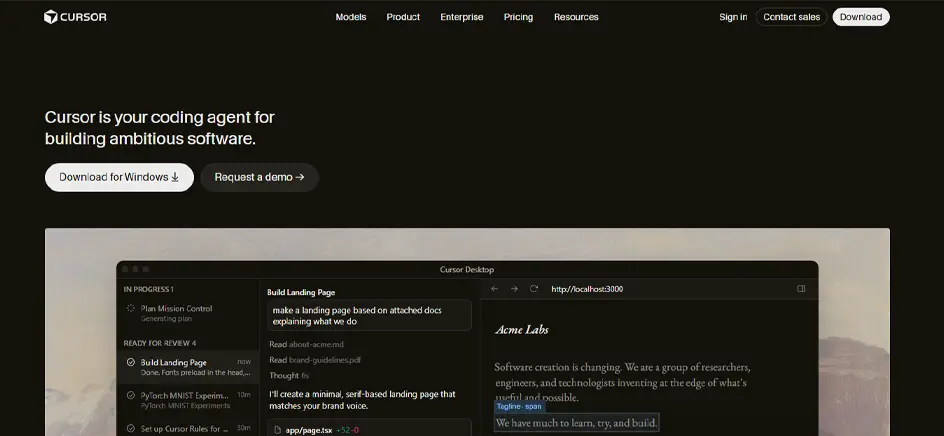
Cursor is an AI-first code editor built on Visual Studio Code, with the assistant built into the editor rather than added as a plugin. You describe a change in plain English, and Cursor writes it into the relevant files, explains unfamiliar code on request, and generates terminal commands.
Existing VS Code extensions, themes, and keybindings transfer seamlessly, so the editing experience stays familiar from the first session.
Key Features:
Pricing: Free; Pro from $20/mo
Rating: 4.6/5 (G2)

Sublime Text is a paid, cross-platform code editor built for speed. It opens, searches, and edits code files faster than most alternatives, but it is not an IDE by default. Linting, version control, and language servers are installed only when a project needs them, which keeps the base setup light.
Key Features
Pricing: Free trial; $99 one-time
Rating: 4.5/5 (G2)

PhpStorm is the JetBrains IDE for PHP development. It reads PHP 8.x syntax along with the conventions used by Laravel, Symfony, WordPress, and Magento, so completion and inspections reflect framework structure rather than generic PHP.
Editing, debugging, database work, and testing are all encompassed within a single window.
Key Features
Pricing: From $10.90/mo; 30-day trial
Rating: 4.6/5 (G2)

IntelliJ IDEA is the reference IDE for Java and Kotlin, covering editing, build tools, testing, and deployment in one environment. From version 2025.3, it is distributed as a single download, with a free core tier replacing the former Community Edition and an Ultimate subscription unlocking the remainder.
The Ultimate tier is needed for web development because it includes support for JavaScript, TypeScript, React, and Angular.
Key Features of WebStorm
Pricing: Free core; Ultimate from $199/yr
Rating: 4.6/5 (G2)

PyCharm is the JetBrains IDE for Python. It offers editing, debugging, testing, and package management for Python projects, and its free and paid editions merged into a single product in 2025. Web framework support is part of the Pro tier, while the core tier covers general Python development at no cost.
Key Features
Pricing: Free core; Pro from $99/yr
Rating: 4.6/5 (G2)

Eclipse is a free, open-source IDE widely recognized for enterprise Java. It handles editing, compiling, debugging, and version control in one workspace. Its extensibility explains its enduring popularity, since a single installation can support several teams working in different languages.
Key Features of WebStorm
Pricing: Free, open source
Rating: 4.3/5 (G2)
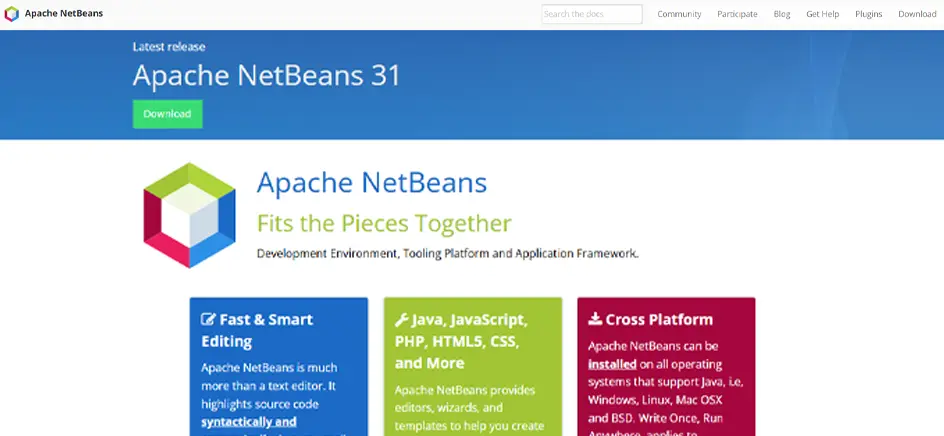
Apache NetBeans is considered the best free IDE for web development that arrives with language support already configured. It covers editing, building, debugging, and testing without add-ons, which makes it a common starting point for developers learning Java or maintaining older PHP applications.
Key Features
Pricing: Free, open source
Rating: 4.2/5 (G2)

AWS Cloud9 is a browser-based IDE from Amazon Web Services. It gives you a code editor, terminal, and debugger running on an Amazon EC2 instance, so development happens on a cloud machine rather than a local one.
One limitation is decisive: AWS closed Cloud9 to new customers on July 25, 2024. Existing accounts continue to work and still receive security patches, but AWS now directs new teams to its IDE Toolkits or CloudShell.
Key Features
Pricing: No IDE fee; Amazon EC2 charges apply
Rating: 4.3/5 (G2)
Six tools on this list are free to use, though the free version means something different for each:
A free tier is only the starting point. Four criteria usually help finalize which tool fits your developmental workflow.
Relevant Read: Why Use ReactJS for Your Next Web Development Project?
Choosing the best IDE for website development is less about features and more about how well it fits the way your team actually works and your existing codebase.
Indexing behavior matters more than startup time, and it is the first thing to measure when comparing options for the best IDE for web programming.
IntelliJ IDEA and Eclipse index the entire project when you open it, which takes minutes in a large monorepo and pays off with faster navigation. VS Code and Sublime Text open immediately and stay responsive on average hardware.
Run the comparison on your largest repository, since that is where slowdowns appear.
An extension library is only useful if it covers what your project needs.
The VS Code marketplace offers far more extensions than other options, which matters if your project uses a niche language, an in-house framework, or an older runtime that mainstream IDEs no longer support. JetBrains IDEs need fewer plugins because framework support is part of the product.
Compare the number of extensions you would need to install and maintain, not the size of the catalog.
A tool that makes one developer fast can still slow a team down once code review, shared branches, and common configuration come into play. Check the Git integration and whether run configurations can be shared across the team instead of being rebuilt by each member.
Live pair editing is handled differently by VS Code Live Share, JetBrains Code With Me, and shared cloud environments. Distributed teams gain the most from these, while co-located teams typically need only reliable version control.
Most of the best IDEs for web development are free or include a free tier, so the real question is what a paid license returns.
WebStorm is free for hobby projects but requires a paid license for client work, whereas Sublime Text charges once and doesn’t carry licenses across major version upgrades.
JetBrains subscriptions come with a perpetual fallback license. Pay for 12 consecutive months and you keep a permanent license for the version that was current when you subscribed, even if you cancel later.
Once these four are settled, the shortlist usually narrows to one or two tools.
VS Code remains the safest free choice for mixed web projects. WebStorm earns its place in JavaScript-heavy development where refactoring accuracy matters. PhpStorm suits PHP teams, and PyCharm fits Django and FastAPI projects. Cursor deserves a chance if AI assistance is already part of your coding workflow.
Start with the language and framework your team uses most, then test your top two IDEs on a live project. Compare how each one fits your codebase, debugging, refactoring, extensions, Git workflow, and team collaboration. The right choice is the one that demands the fewest compromises in daily work.
If two options are still in competition, or your stack spans several languages, contact us to discuss the best IDE for website development for your project.
Visual Studio Code is the most widely used IDE for web development. It is free, extensible, and rated 4.7/5 on G2. WebStorm is the stronger choice for JavaScript-heavy projects, and PhpStorm for PHP development.
Yes, for specialized work. WebStorm and PhpStorm offer stronger project-wide refactoring than VS Code, and Cursor handles multi-file AI edits better. VS Code remains the strongest free option for general web development.
Visual Studio Code is the best free IDE for web development, with no feature limits or license to manage. Eclipse and Apache NetBeans are free alternatives for Java and PHP. IntelliJ IDEA’s core tier became free for commercial use.
VS Code is a free editor extended into an IDE through plugins, while WebStorm is a paid JavaScript IDE with built-in intelligence, free only for non-commercial use. VS Code offers more extensions and runs lighter on modest hardware. WebStorm needs fewer plugins and indexes your entire project, so refactoring and navigation stay accurate across every file.


Aug 27, 2026

Sep 10, 2026

Sep 18, 2026