
Top 10 WordPress Page Builders in 2026
-
 Last Updated On

The reason why WordPress is so popular lies in what it lets site owners build without touching code. But that’s also where the trouble starts. Every builder promises the same thing: drag, drop, publish. Reality rarely matches the pitch, and pages take a hit somewhere between the demo and the actual build.
Every WordPress page builder is built for a different job. Some shine on simple landing pages, others buckle under real design complexity or heavy traffic. Picking the wrong one costs time, rankings, and conversions. A solid page builder for WordPress should feel invisible, letting the design you have in your head come to life on the screen.
Below are the ten tools that we’ve ranked to help you choose the right one. We tested each one against real-world use cases, the kind agencies and top WordPress development companies deal with daily, not just feature checklists on a landing page. Each tool has undergone hands-on testing by our experts. So let’s dive in.
A handful of features separate the WordPress page builders worth your time from those that waste it.
These eight qualities make for a dependable page builder for WordPress, and they set the standard every entry on this list gets measured against.
| Plugin Name | Key Features | Pricing | Ratings |
|---|---|---|---|
| Elementor |
Live editor, widget library, Theme Builder, WooCommerce Builder
|
Per mo | |
| Bricks Builder |
Class-based CSS, Query Loop builder, full site editing
|
Per year | |
| Divi Builder |
800+ layouts, true WYSIWYG editor, built-in A/B testing
|
Per mo | |
| Beaver Builder |
Clean code, Beaver Themer, block editor compatibility
|
Per year | |
| WPBakery Page Builder |
Backend/frontend editors, 200+ add-ons, grid builder
|
One-time | |
| Breakdance |
Full site builder, WooCommerce tools, Query Loop builder
|
Per year | |
| Kadence Blocks |
Native Gutenberg integration, AI design library
|
Per year | |
| Spectra |
Block-editor blocks, Zip AI content generator
|
Per year | |
| SeedProd |
Theme builder, 300+ website kits, AI website builder
|
Per year | |
| GenerateBlocks |
Minimal block set, Query Loop, lightweight CSS output
|
Per year |
Let’s compare these WordPress page builders by their features, benefits, and drawbacks.
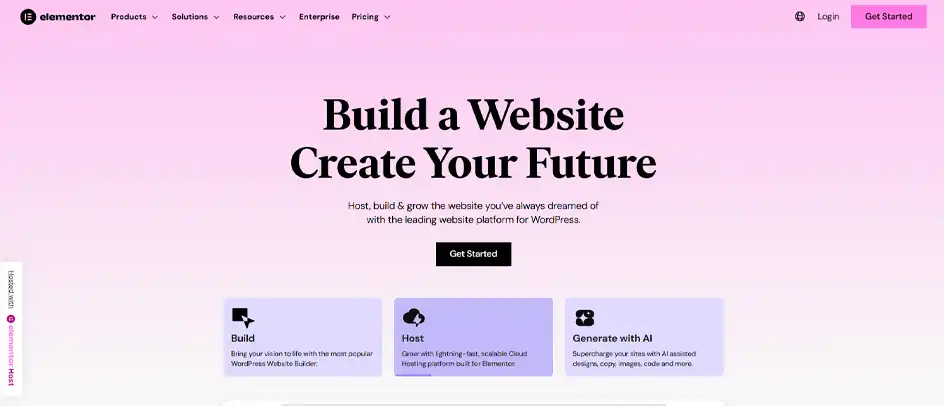
Elementor remains the most widely used WordPress page builder, powering over 22 million websites with its drag-and-drop, live-preview editor. It comes with a massive widget library, from basic text and image blocks to advanced sliders, forms, and testimonials, making it a natural fit for both beginners and agencies.
The trade-off has always been speed. Elementor’s older versions produced heavy, bloated code that slowed pages down. Newer updates like Flexbox containers, plus an in-progress CSS-first editor overhaul, are closing that gap. Switching on the built-in performance settings makes a noticeable difference if Core Web Vitals are a priority.
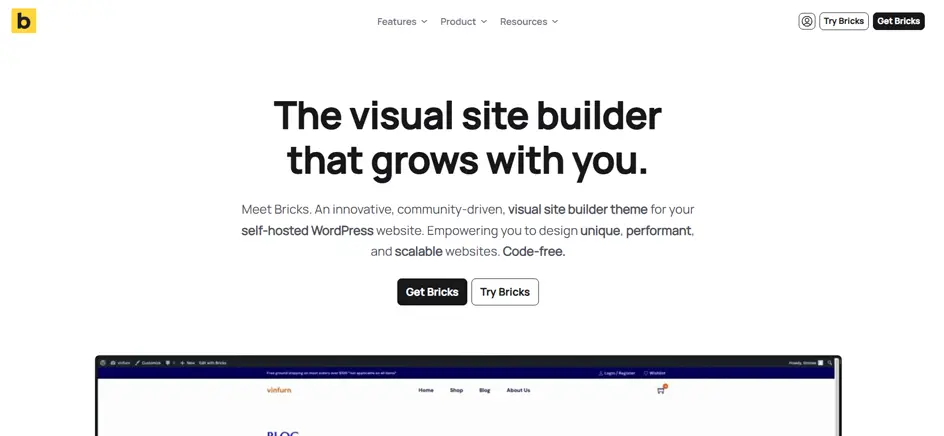
Bricks has become the developer’s favorite among WordPress page builders. It comes with a lightweight theme rather than a bloated plugin. Real-world tests show pages built in Bricks routinely hitting 95-plus PageSpeed scores with far fewer DOM elements than legacy builders, a genuine edge for anyone chasing Core Web Vitals.
It ships as a blank canvas, covering headers, footers, archive templates, and dynamic content through a class-based CSS workflow. But it comes with a real learning curve, and it’s not the easiest tool to hand off to a non-technical client.

Divi pairs a true WYSIWYG visual editor with over 800 pre-made layouts, letting users click directly on the page and see every change instantly. It functions as both a standalone plugin and a full theme, which gives buyers flexibility in how deeply they integrate it into an existing site.
Elegant Themes bundles the Divi theme, the builder plugin, and its other tools into a single membership, and a lifetime pricing option makes it one of the more attractive long-term deals on the market.

Beaver Builder has built its reputation on clean code and reliability rather than flashy extras, and it’s a long-time favorite among agencies for exactly that reason. The drag-and-drop interface stays out of the way, and an onboarding tour quickly orients new users.
It comes with over 170 templates and works seamlessly alongside the native WordPress block editor, so switching between the two doesn’t break a layout. Many developers pair it with Beaver Themer to build fully custom WordPress themes without touching PHP.

WPBakery, originally launched as Visual Composer, is one of the most widely installed WordPress page builders. It is bundled into thousands of premium themes and used on over 2.4 million websites. Its one-time payment model still appeals to buyers who’d rather avoid recurring subscription fees.
For established sites already built on WPBakery, migrating away rarely makes financial sense, and it remains functional for straightforward pages. For new projects in 2026, though, most developers now point toward more modern, better-performing tools.
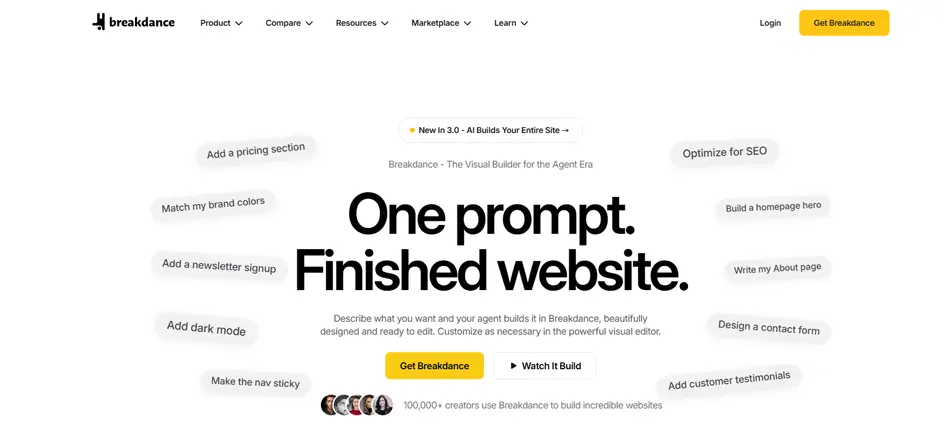
Breakdance comes from Soflyy, the team behind Oxygen Builder, and was built to give Elementor-level usability with far leaner code. Independent testing shows it achieving 85-95 PageSpeed scores with a roughly 42KB baseline asset size, compared to several hundred kilobytes for older builders, straight out of the box.
It functions as a complete site builder, covering headers, footers, and archive templates, with strong native WooCommerce tools and a query builder for dynamic content. Many developers see it as the middle ground between Elementor’s ease and Bricks’ raw performance.
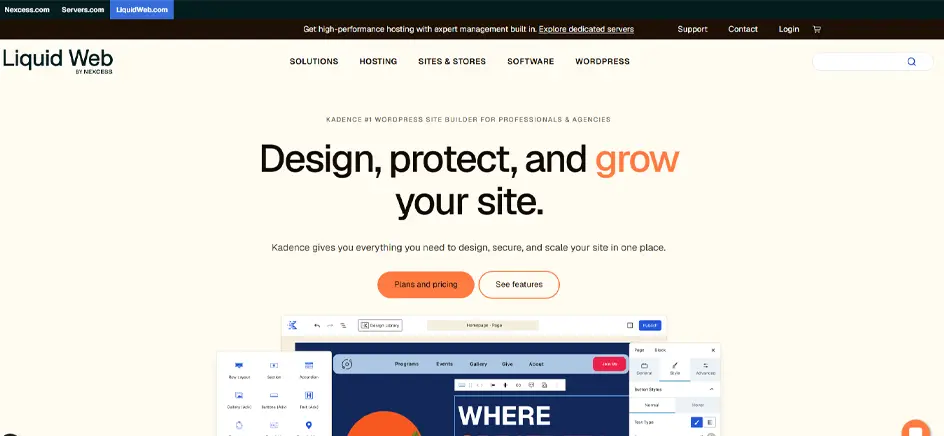
Kadence takes a different approach to traditional WordPress page builders by enhancing the native block editor rather than replacing it. That means no separate interface to learn: everything happens inside the Gutenberg editor most WordPress users already know.
It includes a solid library of pre-built blocks, from accordions to post grids, plus an AI-powered design library that can generate content and imagery from a short business description. For users who want more design freedom without abandoning Gutenberg, it’s a natural upgrade path.
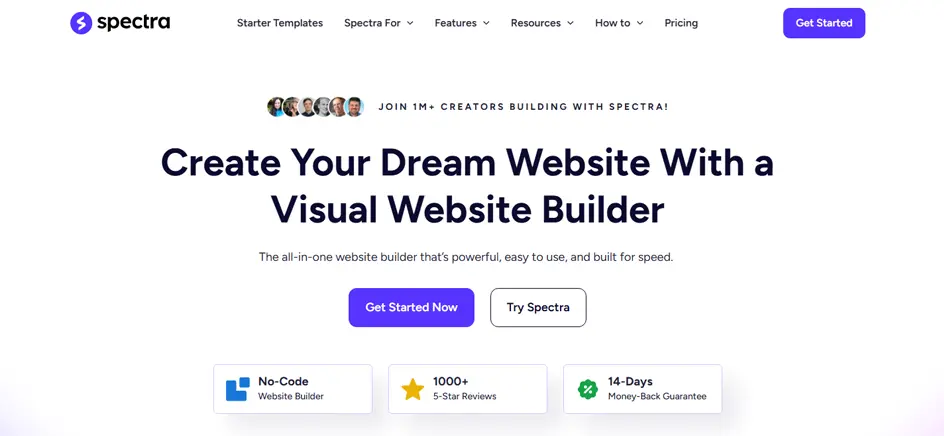
Spectra comes from the team behind the Astra theme and, like Kadence, builds directly on top of the WordPress block editor rather than replacing it. It ships with 30-plus essential blocks and over 100 pre-built templates, aimed at users who want more design power without leaving Gutenberg behind.
Its standout feature is Zip AI, a built-in content generator that can draft landing page copy on the spot, with free users getting a starter allotment of credits. Spectra is also built for speed, using a Just-in-Time compiler to keep the plugin efficient even as pages grow more complex.

SeedProd markets itself less as a page builder and more as a complete WordPress theme and page builder combined, used by over 1 million websites. In independent speed tests, it consistently ranks among the fastest builders available, thanks to clean, lightweight code rather than heavy JavaScript frameworks.
It comes with 300-plus website kits covering landing pages, coming soon pages, 404 pages, and full WooCommerce product pages, plus an AI website builder that can generate layouts, copy, and images from scratch. Agencies also use its custom domain mapping to manage multiple client sites from a single WordPress installation.
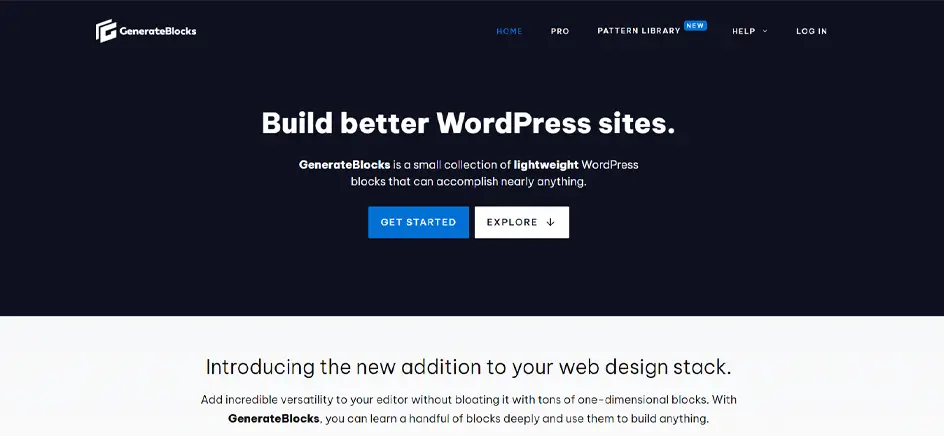
GenerateBlocks takes a minimalist approach, built by the creator of the GeneratePress theme around the idea that most builders pack in far more blocks than anyone actually needs. It doesn’t offer dozens of widgets. It offers a handful like Container, Grid, Headline, Buttons, Image, and Query Loop, and lets users combine them into virtually any layout.
That restraint pays off in performance: because it only generates the CSS actually used on a page, sites stay lightweight and Core Web Vitals-friendly by default. It suits bloggers, developers, and anyone comfortable with a bit of CSS more than it suits someone wanting instant, pre-built pages.
Ten builders, ten different approaches: some focus on speed, some on design freedom, and some just try to stay out of the way. There’s no single best choice here, only the one that fits the site and the person building it. Weigh speed against ease of use and budget against how much control the project really needs.
Choosing a page builder determines how fast the site loads, how future edits are handled, and how much freedom there is to grow the design later. Sorting through ten strong contenders reveals one thing: performance and flexibility rarely arrive in the same package without a few compromises attached.
Some builders offer polish and convenience. Others offer raw control. Knowing which one the project actually needs makes the decision much easier. We recommend understanding what each option optimizes for. A builder that suits a solo blogger won’t work for an agency managing dozens of client sites.
Check the features along with the pros and cons of each to pick the right one for you. And if you’re still not sure which WordPress page builder you should pick, get in touch with us today.
Not inherently. Older builders like Classic Elementor and WPBakery add extra code that can slow down pages if left unoptimized. Modern options like Bricks, Breakdance, and GenerateBlocks output lean, minimal code by design. Speed comes down to which builder is chosen and how well it’s configured.
Not yet. Gutenberg handles basic pages and posts well, but it still lacks advanced marketing features like A/B testing, robust popups, and full theme-wide customization. Full Site Editing is closing the gap over time. Dedicated builders still win for complex, conversion-focused layouts.
A theme is the structural foundation of a site: its base layout, typography, and design defaults. A page builder is the tool used to customize content within or around that structure. Most builders work with any theme, though some, like Bricks, ship as a theme themselves.
Rarely without some rework. Most builders store layout data in their own format, so switching usually means rebuilding pages from scratch. A few tools offer import features to ease the transition, but a full content-only migration is generally the safest bet.
AI features now generate layouts, write copy, and suggest images directly in the builder, reducing time spent on blank-page starts. Tools like SeedProd, Spectra, and Kadence already include this. It speeds up the first draft but still needs human review and refinement.
It depends on how long the site stays active and whether the company stays in business. For agencies running many sites over several years, lifetime licenses like Divi’s or Bricks’ Ultimate plan pay for themselves quickly. For a single short-term project, annual pricing is often more practical.
Breakdance and Bricks both offer deep WooCommerce control, letting store owners customize checkout, product pages, and cart flows without extra plugins. SeedProd also covers WooCommerce blocks well for simpler stores. The right pick depends on how much control over custom design the store actually needs.