10 Best Social Media Plugins for WordPress (2026)
-
 Last Updated On
If you run a blog, a business site, or even an online store, you would want to stay on top of your customers’ minds. And using social media is a great way to do so. But posting content manually on every platform can be time-consuming. That’s where social media plugins for WordPress come in.
These tools help you share new posts automatically on platforms like Facebook, Instagram, and LinkedIn right when you publish them on your site. They save time, keep your profiles active, and help bring more traffic back to your site, without you having to do anything extra.
In this blog, we’ve put together a list of the 10 best social media plugins for WordPress. Our team has tested all the popular options, and these 10 came out on top. So, let’s discuss them in detail.
Table of Contents
If you are in a hurry, this quick summary will help you find the right social media plugin for your WordPress site. From free tools to premium options, these plugins come with features like auto-posting, scheduling, analytics, and support for multiple platforms, making it easier to manage your social media without the extra effort.
| Plugins | Best For | Pricing | Ratings |
|---|---|---|---|
| Social Auto Poster | Comprehensive auto-posting across 10+ platforms with category/tag-driven scheduling, hashtag support, URL shortener, and analytics | (one-time payment) | 4.8(176) |
| SNAP (NextScripts) | Freemium tool offering cross-platform scheduling with customizable messages and link shorteners. | 3.3(620) | |
| Revive Social | Automatically re-shares evergreen content with scheduling and Google Analytics UTM tracking | (annual subscription) | 4.0(553) |
| FS Poster | Bulk and multi-account posting to 15+ networks, with calendar scheduling and in-dashboard performance stats | (one-time payment) | 2.6(26) |
| Social Media Auto Publish | Lightweight, free plugin for straightforward auto-posting without slowing down your site | 4.7(293) | |
| Blog2Social | Visual calendar scheduler for 20+ networks, platform-specific post customization, recycling, and performance analytics | 4.5(2050) | |
| Jetpack Social | Built-in auto-publishing tool for WordPress users, offering simple scheduling, analytics, and 2025 support for TikTok and evergreen resharing. | 3.5(63) | |
| Bit Social | Lifetime-deal plugin with instant cross-platform sharing, sleep scheduling, Telegram/Discord support, and one-click API setup. | (one-time payment) | 4.7(45) |
| Nelio Content | AI-powered scheduler with smart post generation, 18+ platform support, editorial calendar, SEO tools, and content recycling. | 4.4(101) | |
| Social Web Suite | WooCommerce-ready auto-poster with RSS-to-social sharing, category-based scheduling, and Bit.ly click tracking. | 3.6(12) |
Here’s a quick look at the best social media plugins for WordPress. This will help you pick the one that fits your needs best.
If you’re looking for a trusted and top notch solution for auto posting of posts on social media, Social Auto Poster is the best one. It’s the oldest plugin and offers auto posting on 10+ platforms, has the most comprehensive features such as hashtag automation, URL shorteners, and even built-in analytics – all at just $45. It’s compatible with almost all ecommerce plugins and also offers free lifetime updates even after the support period expires. It’s ideal for marketers who want full control and automation in one place.
If you’re looking for a more UX / UI friendly option, then you may consider FS Poster. This plugin allows bulk and multi-account posting and in-dashboard performance insights, making it a good choice for teams managing multiple brands. It’s available with a one-time purchase of $65.
For those focused on content longevity, Revive Social is a smart choice. It helps re-share evergreen content automatically, with customizable schedules and built-in Google Analytics UTM tracking. Great for boosting older blog posts and maintaining visibility. Pricing starts at $99/year.
Each of these plugins offers something different. Whether you need full automation, team support, or content recycling, there’s a tool here that can help you grow on social media without the extra work.
Managing multiple social platforms should not be a hassle. These five plugins automate your posts, saving you time while keeping your audience engaged. Let’s break them down:
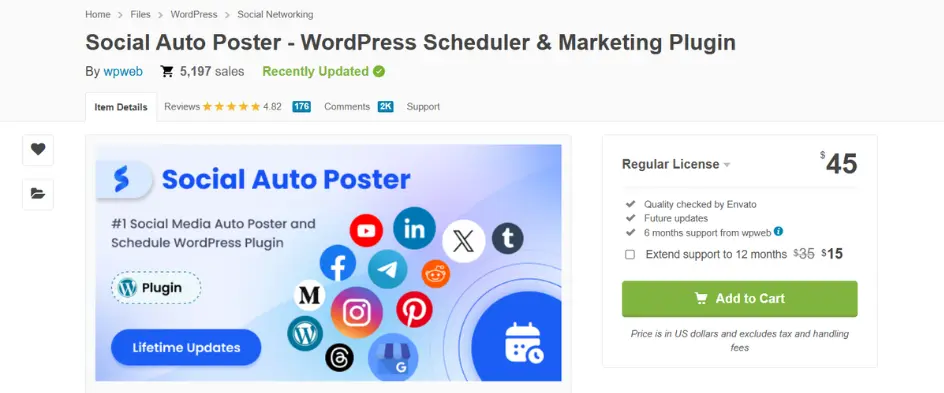
If you’re looking for a plugin that works with all major platforms, Social Auto Poster can be a great pick. It supports Instagram, Facebook, X, LinkedIn, Pinterest, YouTube, and even niche platforms like Telegram and Reddit.
It’s great for sharing blog posts, product updates, or any fresh content automatically. That makes it a solid choice for bloggers, marketers, and online stores. You can schedule posts by category or tag, which gives you more control over what goes out and when. The new interface is clean and easy to use. It also comes with the updated X library.
One more thing worth noting is that the support team is quick, helpful, and works in your time zone. If you want wide platform coverage without paying too much, this plugin is a great value.
Key Features of Social Auto Poster
It’s a budget-friendly powerhouse with rare features (like Telegram and Reddit support) and an updated design. The functionality of this plugin makes it a clear winner.
Pricing: $45 (one-time payment) including 6 months of support and lifetime updates.
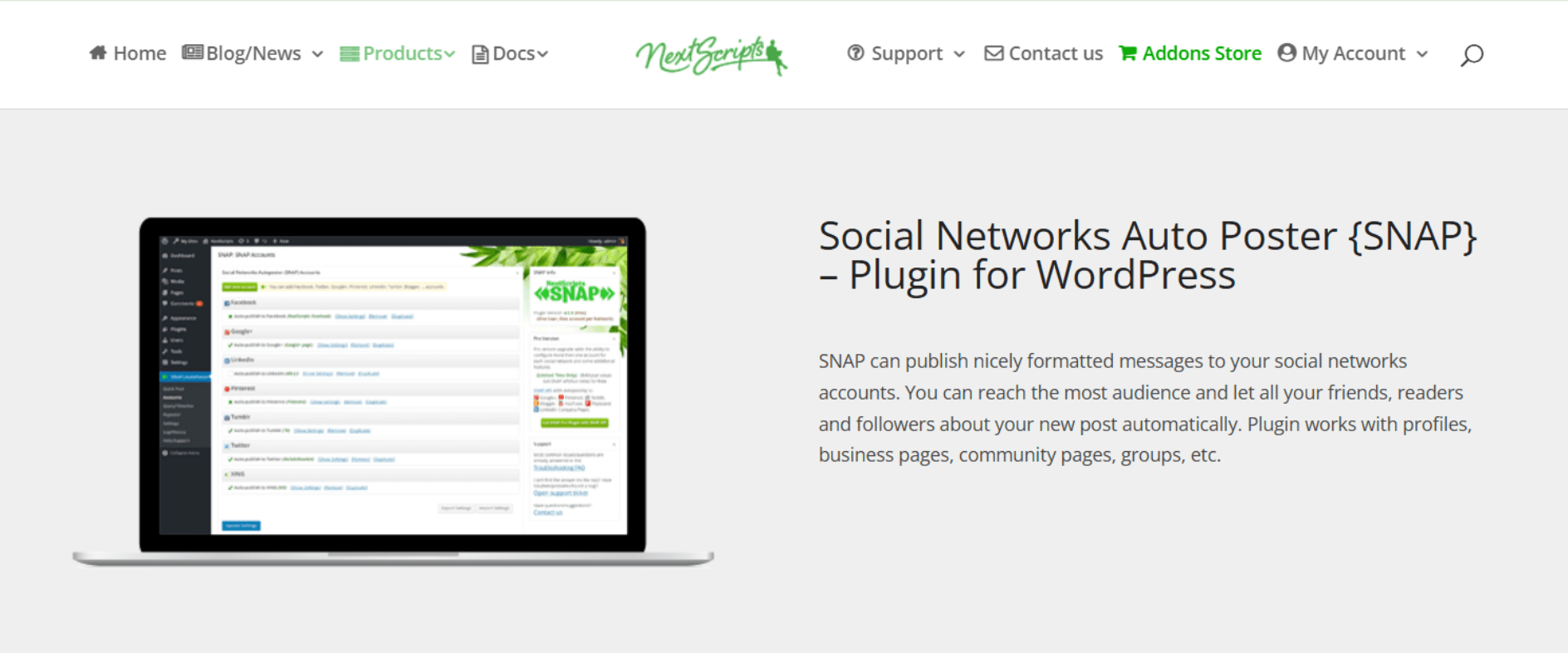
If you want to automate posting across multiple platforms, SNAP (NextScripts) is one of the most feature-rich options out there. It supports major networks like Facebook, X, LinkedIn, Pinterest, and Instagram, plus niche ones like VK, Tumblr, and Telegram.
What makes it stand out is the level of control. You can spin different versions of your posts, import social media comments back into WordPress, and even share updates without creating a blog post.
The setup can take some time to get used to, but the flexibility you get in return is worth it. If you’re managing a complex social media strategy or want to reuse old content in smarter ways, SNAP is a strong option to consider.
Key Features of SNAP
It is best for advanced users and agencies who need deep control over cross-platform posting. If you manage multiple accounts or niche networks, SNAP’s flexibility is worth the setup time.
Pricing: It is free to download.
FS Poster makes social media management simple and efficient. It lets you auto-post to Facebook, Instagram, X, LinkedIn, Pinterest, and even platforms like Telegram and Reddit right from your WordPress dashboard.
The interface is clean and easy to navigate. It comes with a direct share panel and a visual calendar, so you can schedule posts with a simple drag-and-drop. You also get built-in analytics to see how your posts are performing and adjust your strategy as needed.
It doesn’t support category-based auto-posting, so you’ll need to schedule each post manually. But where FS Poster really shines is in multi-site support and overall reliability.
One thing to note is that it sometimes uses unofficial APIs, which may lead to occasional platform limits. Still, if you’re managing several websites and want an easy, data-driven way to handle your social posts, FS Poster is a strong pick.
Key Features of FS Poster
Small businesses and agencies that want straightforward scheduling with solid analytics. If you don’t mind manual post selection and prefer a clean dashboard over advanced automation, FS Poster gets the job done. You just need to watch for occasional API hiccups.
Pricing: $65 (one-time payment) including 12 months of support.
Feel like your old content still has value? Revive Social helps bring it back to life by automatically resharing older posts to Facebook, X, LinkedIn, and Instagram. It keeps your evergreen content in front of your audience, without you lifting a finger.
You just set how often you want posts to go out, add a few message variations, and let it run in the background. It’s great for keeping your feed active without constantly creating new content. The free version includes basic features like post recycling and link tracking. If you upgrade, you get extras like Google Analytics integration and media library support.
It may not have all the advanced tools some plugins offer, but for bloggers and small businesses who want to get more out of the content they already have, it’s a smart, low-maintenance option.
Key Features of Revive Social
This is best for content creators who want hands-off, evergreen promotion. If your strategy relies on recycling high-performing posts rather than constant new content, this plugin delivers.
Pricing: $99/year (annual subscription), including 1-year support & updates.
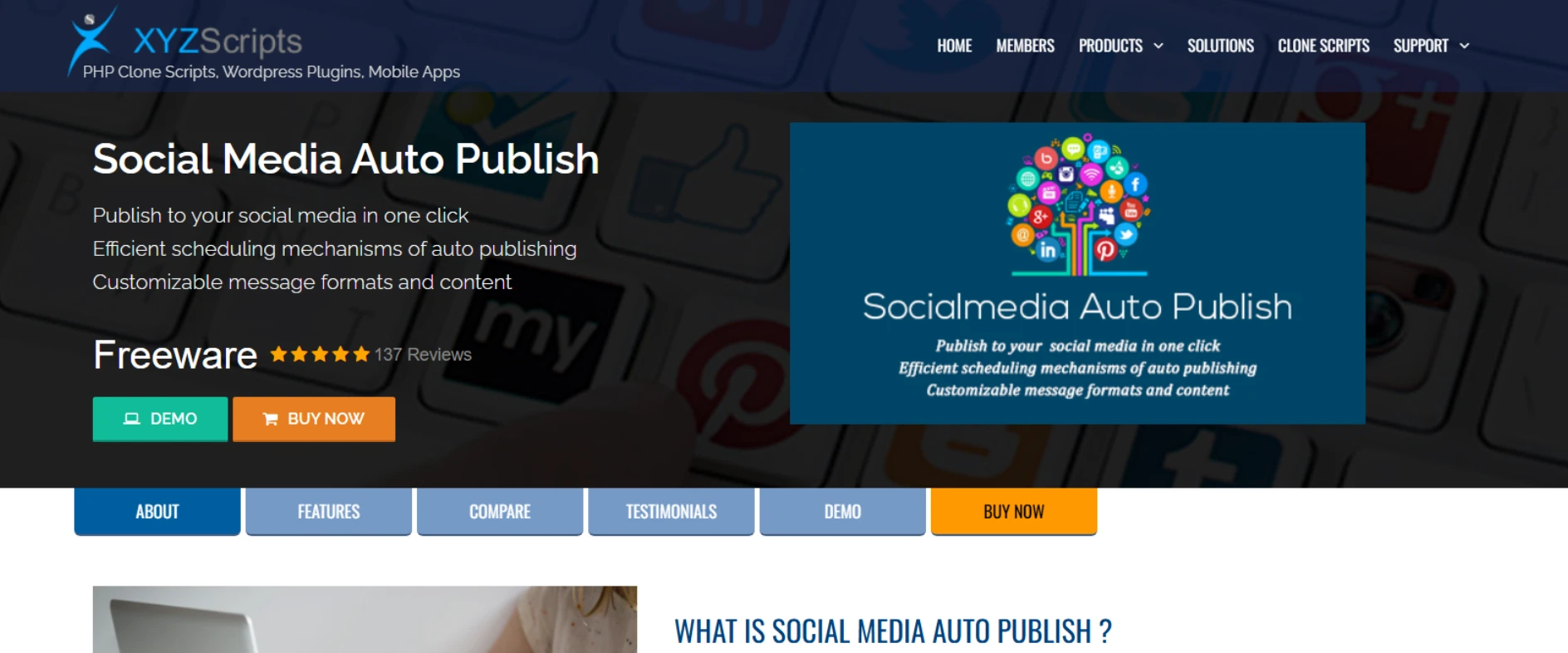
Don’t want to post your blog updates manually every time? Social Media Auto Publish does it for you. It automatically shares your new WordPress posts to Facebook, X (formerly Twitter), and LinkedIn the moment you hit publish.
It’s perfect for busy bloggers who want automation without the extra setup. The plugin is simple and lightweight. You don’t need to understand any dashboard or any complex settings. Just fast, reliable auto-posting.
It doesn’t support Instagram or Pinterest, but that’s part of what keeps it fast. It won’t slow down your site or overload your WordPress dashboard. The best thing is that it’s completely free. It comes out as a good choice if you’re a solo creator looking for a basic, no-fuss tool that just works.
Key Features of Social Media Auto Publish
It is best for bloggers and small site owners who need basic, reliable auto-posting without the complexity. If you just want your content shared automatically to major networks with zero hassle, this plugin delivers exactly what you need.
Pricing: This is a free plugin.
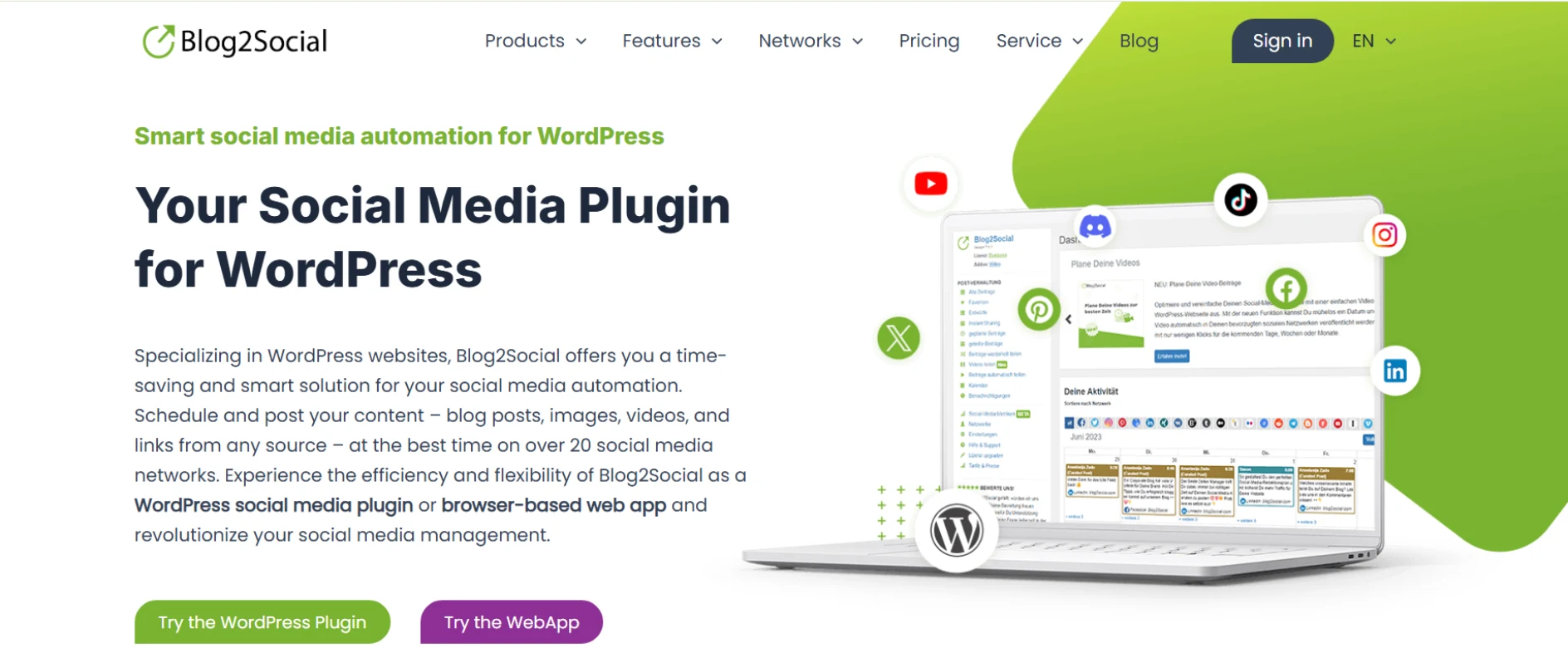
Blog2Social takes the hassle out of social media promotion by automatically sharing your WordPress content across all major platforms. With just a few clicks, you can schedule posts in advance or publish them instantly, saving hours of manual work. The plugin’s intuitive dashboard makes it easy to customize messages for each network.
What makes Blog2Social stand out is its flexibility. You can auto-post based on categories, recycle evergreen content, and even share to multiple accounts on the same platform. Unlike many tools, it supports image posts, link previews, and custom hashtags—all while maintaining a clean, user-friendly interface.
Key Features of Blog2Social
Pricing: There is a free plan available, and the paid plans start at $7/month.
Jetpack Social is a smart pick if you’re already using the Jetpack plugin on your WordPress site. It handles auto-posting to Facebook, LinkedIn, and X as soon as you hit publish. Everything works right inside your dashboard, so there’s no need to switch between tools. It’s simple, reliable, and designed to save time for bloggers, creators, and small businesses who want an all-in-one setup.
The free version covers basic auto-sharing, while the premium plan unlocks features like post scheduling, custom messages, and evergreen recycling. In 2025, Jetpack added TikTok support and improved its resharing tools, making it more useful for modern social strategies. It also includes built-in analytics and video hosting through Jetpack CDN.
While it doesn’t support platforms like Telegram or Discord, it’s a solid option for users already invested in the Jetpack ecosystem.
Key Features of Jetpack Social:
Price: It is free for basic auto-posting. You can opt for a premium plan priced at $9.99/month that includes scheduling, evergreen recycling, and custom messages.
Bit Social is a great choice if you want a budget-friendly plugin with a lifetime deal. It makes connecting your social accounts easy with one-click API setup, so no need to fuss over keys or complicated settings. You can instantly share posts across LinkedIn, Twitter, Telegram, Discord, and more, right from your WordPress dashboard.
One standout feature is the “Share Now” button, letting you post custom updates instantly to all your networks. Bit Social also offers sleep scheduling, so your posts pause during off-hours when your audience is less active.
While it doesn’t support Instagram Reels or the Instagram story viewer feature, it’s a solid option for those who want simplicity, Telegram and Discord support, and good value with a one-time payment.
Key Features of Bit Social:
Price: It has a one-time fee of $99 for unlimited sites/social accounts.
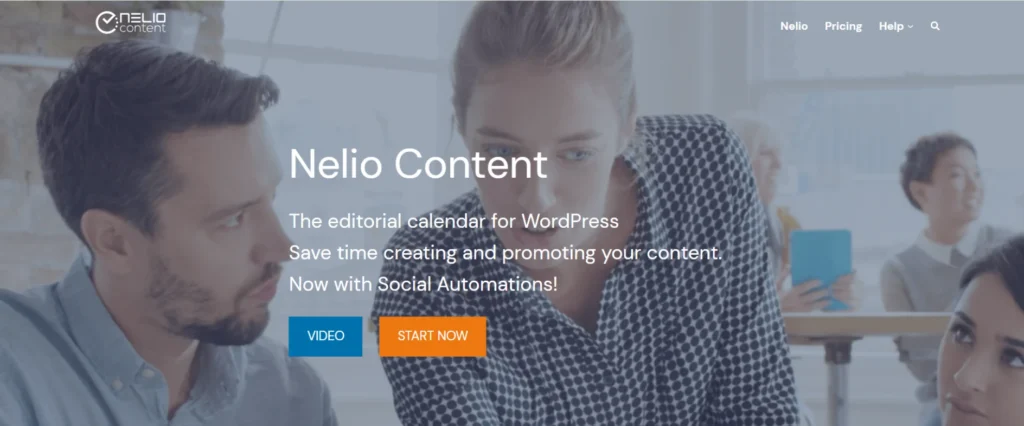
Nelio Content stands out for its smart AI-driven features that help you create and optimize social posts automatically. It pulls key sentences from your blog and turns them into tailored messages for each platform. This makes managing multi-channel campaigns much easier for bloggers and marketers who want to save time without sacrificing quality.
Along with AI tools, Nelio offers an easy-to-use editorial calendar where you can see blog posts, social shares, and tasks all in one place. It supports over 18 platforms, including newer ones like TikTok, Bluesky, Discord, and Threads.
Plus, it includes SEO checks as you write, helping your content perform better. While setup can be a bit tricky, especially for beginners, it’s a powerful tool for serious content creators and teams.
Key Features of Nelio Content:
Price: It has a free version with basic scheduling for 3 social profiles. The premium plan is priced at $29/month, and it includes 15 social profiles, team workflows, and analytics.
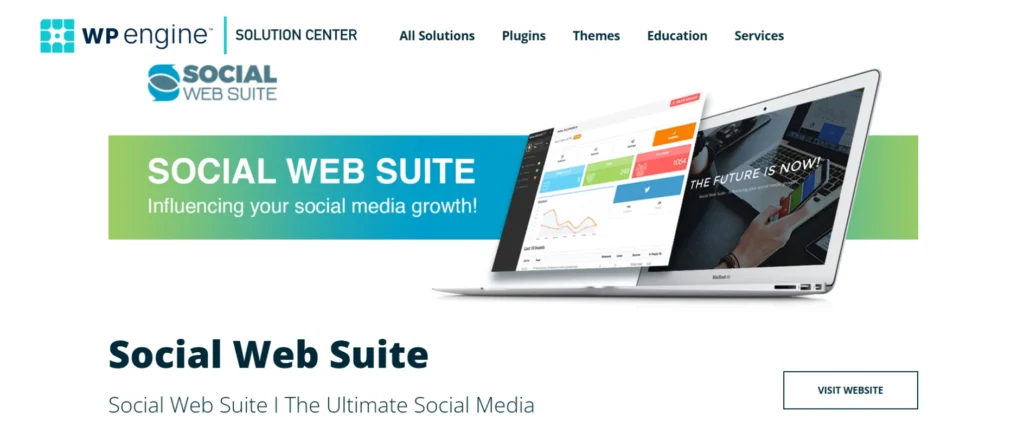
Social Web Suite is a good choice for WooCommerce store owners and anyone who wants to automate content sharing from RSS feeds. It lets you pull posts from external blogs or news sources and share them automatically to your social accounts. This is great for keeping your social media active without having to create all the content yourself.
The plugin also shines with category-based scheduling. You can set posts from different categories to go live at specific times, like sharing tutorials in the morning and product reviews in the evening. If you run an online store, the WooCommerce integration automatically posts your products with prices and descriptions.
Plus, built-in Bit.ly analytics help you track clicks directly from your dashboard. While it doesn’t support TikTok or Telegram, it’s a strong option for those focused on automation and sales.
Key Features of Social Web Suite:
Price: The free tier allows 3 social accounts and unlimited posts. The premium plan starts from €15/month and comes with unlimited accounts, Twitter/X support, and advanced analytics.
Let us do a quick side-by-side comparison of supported social networks to help you decide which plugin is best for you:
| Social Networks | Social Auto Poster | SNAP | Revive Social | FS Poster | Auto Publish | Blog2 Social | Jetpack Social | Bit Social | Nelio Content | Social Web Suite |
|---|---|---|---|---|---|---|---|---|---|---|
 Facebook Facebook |  | | | | | | | | | |
 Instagram Instagram | | | | | | | | | | |
 X X | | | | | | | | | | |
 Tumblr Tumblr | | | | | | | | | |  |
 LinkedIn LinkedIn | | | | | | | | | | |
 Business Profile Business Profile | | | | | | | | | | |
 Pinterest Pinterest | | | | | | | | | | |
 YouTube YouTube | | | | | | | | | | |
 WordPress WordPress | | | | | | | | | | |
 Telegram Telegram | | | | | | | | | | |
 Reddit Reddit | | | | | | | | | | |
 Medium Medium | | | | | | | | | | |
 Flickr Flickr | | | | | | | | | | |
 ok.ru ok.ru | | | | | | | | | | |
 Livejournal Livejournal | | | | | | | | | | |
 Flipboard Flipboard | | | | | | | | | | |
 Line Line | | | | | | | | | | |
Here is a quick comparison of features provided by all social media auto-posting WordPress plugins that will help you to decide which plugin is suitable for you.
| Features | Social Auto Poster | SNAP | Revive Social | FS Poster | Auto Publish | Blog2 Social | Jetpack Social | Bit Social | Nelio Content | Social Web Suite |
|---|---|---|---|---|---|---|---|---|---|---|
| Posting Logs | | | | | | | | | | |
| eCommerce Supports | | | | | | | | | | |
| Category Wise Posting | | | | | | | | | | |
| Google Analytics Integration | | | | | | | | | | |
| Posting Statistics | | | | | | | | | | |
| All settings at Post Level | | | | | | | | | | |
| Manually Share Posts More than Once | | | | | | | | | | |
| Multiple Accounts for Each Social Media | | | | | | | | | | |
| Auto Post New Content | | | | | | | | | | |
| Support Custom Post Type | | | | | | | | | | |
| Hashtags for Tags or Categories | | | | | | | | | | |
| Schedule Posting | | | | | | | | | | |
| URL Shortener | | | | | | | | | | |
| Reposter | | | | | | | | | | |
| Emoji Support | | | | | | | | | | |
| Customize Message Format | | | | | | | | | | |
| Publish Single WordPress Post | | | | | | | | | | |
| Auto Post Already Existing Posts | | | | | | | | | | |
| Exclude/Include Tags & Custom Taxonomies | | | | | | | | | | |
| Quick Share | | | | | | | | | | |
| Debug Logs | | | | | | | | | | |
| Bulk Scheduling / Unscheduling | | | | | | | | | | |
| Lifetime Updates after the Support Period | | | | | | | | | | |
| Exclude Posting Days | | | | | | | | | | |
Social media is all about staying relevant. If you disappear for weeks, your audience forgets you. But when you show up consistently, you build trust, keep followers engaged, and grow your reach. Here’s why regular posting matters:
Posting daily manually is tough. That’s why auto-posting tools are really helpful. They keep your social presence strong while you focus on creating great content.
Consistency matters for social media success, and manually posting can waste your valuable time. Auto-posting plugins simplify this by boosting your engagement and audience growth effortlessly. After reviewing several plugins, here are our top choices:
Choosing the right plugin means easier, smarter social media management. At WPWeb, we developed Social Auto Poster specifically to deliver powerful digital marketing results. If you need custom features or wish to discuss developing your own WordPress plugin, our expert team is ready to assist, contact us today!
Most plugins use official APIs, so they’re generally safe. However, avoid aggressive posting schedules (like 10+ posts/day) or spammy content. Stick to platform limits; quality over quantity keeps you in the clear.
Yes, but it depends on the plugin. Some (like Blog2Social) let you edit scheduled posts before they publish. Once live, you’ll need to edit directly on the social platform.
Most support pages only. For groups, check plugin specifics. Social Auto Poster and SNAP offer limited group support, but API restrictions often apply.
Not if done right. Mix automated posts with real-time interactions (replies, stories). Tools like FS Poster’s analytics help tweak timing/content for better engagement.
Most plugins handle videos, but check the format limits. For Instagram/Facebook, Social Auto Poster and FS Poster support native video uploads. Just avoid third-party links.


Mar 14, 2026

Mar 14, 2026

Apr 30, 2026