Top 10 WordPress Social Media Plugins to Automate Your Posts

10 Minutes to read
Last Updated On

Publishing a blog post is the easy part. Gathering views, engagement, and conversions across your social media platforms is the most time-consuming aspect. Copy the blog link, log into Facebook, write a caption, switch to LinkedIn, reword it, jump to X, repeat. The sharing process is too tedious to handle manually.
This gap can be closed with the right social media plugins for WordPress. Connect your accounts once, hit publish, and your content gets shared across your preferred platforms without manual intervention. Your social media profiles stay active, and traffic keeps flowing back to your site.
Our team tested the popular WordPress social media auto-posting plugins and narrowed them down to the top 10. Let’s dig deeper.
Every day, the world collectively spends 11.5 billion hours on social media platforms. Connect it to your WordPress site the right way and gain significant benefits.
Here’s what social media plugins for WordPress do for you:
Sites that build social sharing into their WordPress setup see the biggest jumps in traffic and engagement. That’s what the plugins below automate.
Short on time? This table gives you the shortlist, what each tool is really for, what it costs, and how users rate it. Skim it, spot two or three that fit your setup, then read their full breakdowns further down.
| Plugins | Best For | Pricing | Ratings |
|---|---|---|---|
Social Auto Poster

Top Pick |
Full control over multiple networks with per-account rules.
|
(185 reviews) | |
| Blog2Social |
Platform-specific captions with drag-and-drop calendar.
|
(2095 reviews) | |
| FS Poster |
Repost old content with filters and click tracking.
|
(655 reviews) | |
Bit Social

Best Value |
WooCommerce & custom posts on lightweight, shared queues.
|
(36 reviews) | |
| Jetpack Social |
Simple, reliable publishing integrated with Jetpack.
|
(74 reviews) | |
| Revive Old Posts |
Recycling evergreen content on a set schedule.
|
(557 reviews) | |
| SchedulePress |
Editorial planning with missed-schedule backup.
|
(201 reviews) | |
| WP to Buffer |
Teams already running their social through Buffer.
|
(123 reviews) | |
| Social Media Auto Publish |
Beginners needing easy category-based auto-posting.
|
(345 reviews) | |
| Nelio Content |
Bloggers posting multiple social messages per post.
|
(104 reviews) |
Different tools, different jobs. Here’s what each one does when you look closer.
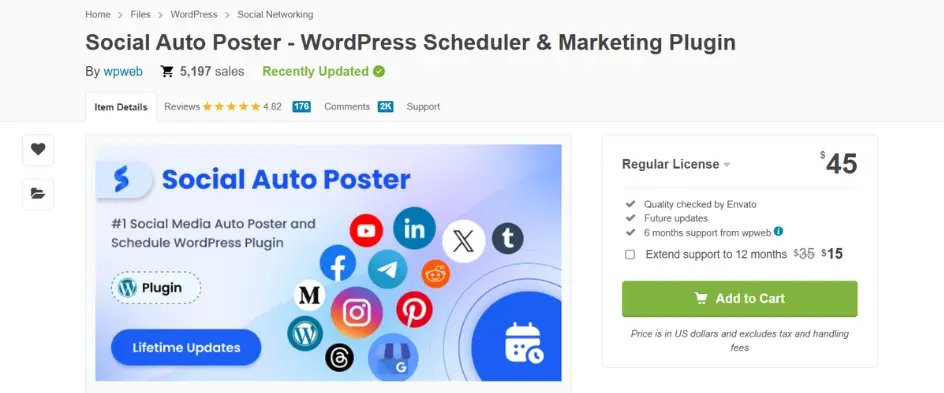
Social Auto Poster is for people who want their posting automated without leaning on an outside service. Connect your accounts once, and every new post can go out across your chosen networks on its own. The plugin stands out because it provides control over auto-posting. You decide exactly which post types, categories, or taxonomies reach which platform, which is important as your site grows.
Key features
Pricing: $45 lifetime
Rating: 4.83/5 (185)
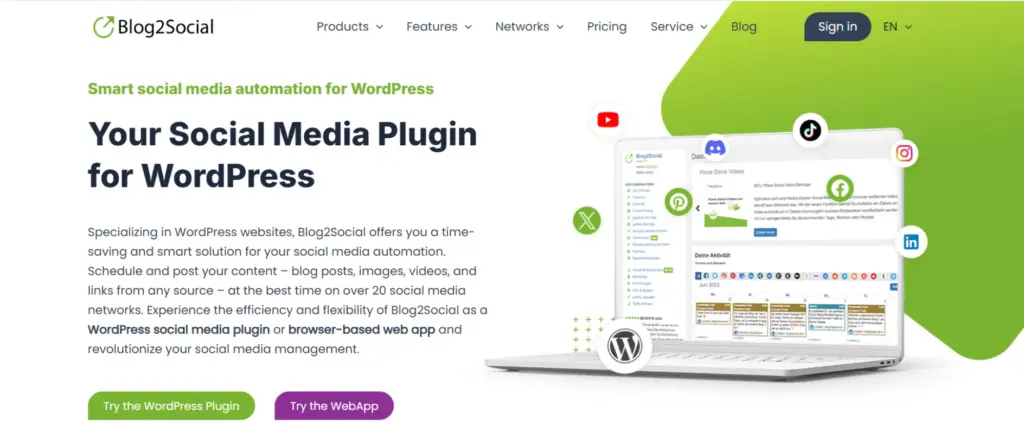
Blog2Social was clearly built by people who know every network behaves differently. Instead of blasting one identical message everywhere, it lets you rewrite captions, swap images, and pick separate publishing times for each platform. The dashboard packs a lot in, so it feels busy at first, but the payoff is real once it clicks.
Key features
Pricing: Free; Pro $8/mo
Rating: 4.5/5 (2,095)
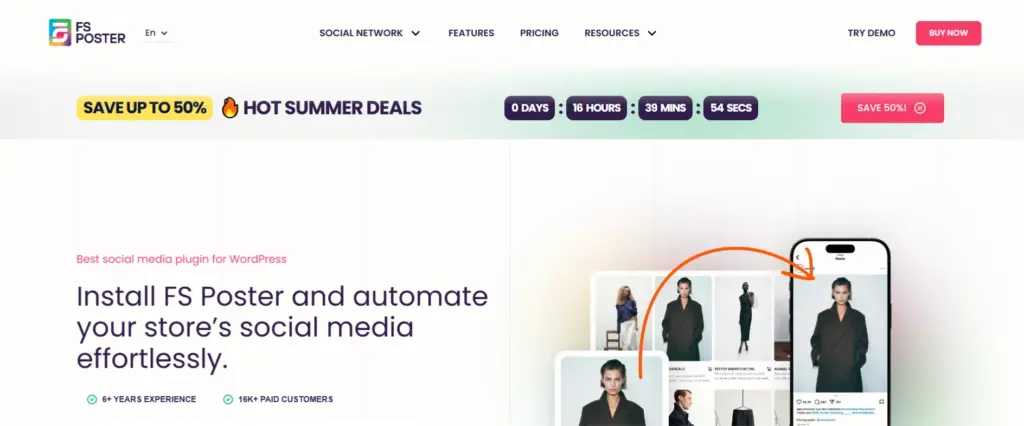
FS Poster is about as close to a full social management tool as WordPress gets. Almost everything runs inside your dashboard. Publish a post, and it fires off across your networks with custom messages, hashtags, and images. What sets it apart is that it doesn’t stop at new posts. You can schedule and repost older articles to keep channels alive during quiet weeks.
Key features
Pricing: $36 first year, then $73/yr
Rating: 4.91/5 (655)
Bit Social keeps its scope tight on purpose. Rather than trying to be a full marketing suite, it focuses on connecting your site to the big networks and automating the publishing. The interface feels noticeably cleaner than older plugins, so your first automation doesn’t mean digging through endless menus.
Key features
Pricing: $49/yr
Rating: 4.5/5 (36)
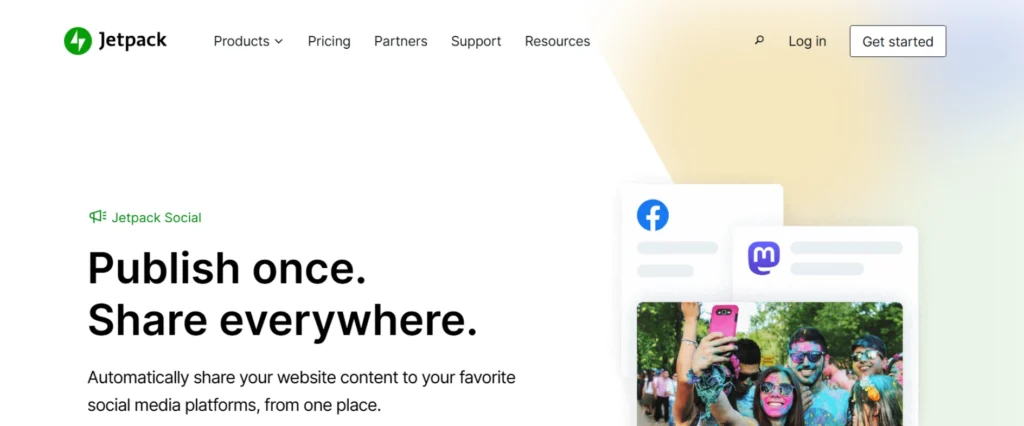
Jetpack Social makes the most sense when you already run other Jetpack features. Everything lives in the same ecosystem, so connecting accounts takes minutes and publishing becomes part of your normal flow. One quiet advantage: it publishes through WordPress.com infrastructure, so posts can still go out even if your site has a brief hiccup during a scheduled window.
Key features
Pricing: $36 first year, then $73/yr
Rating: 3.3/5 (74)
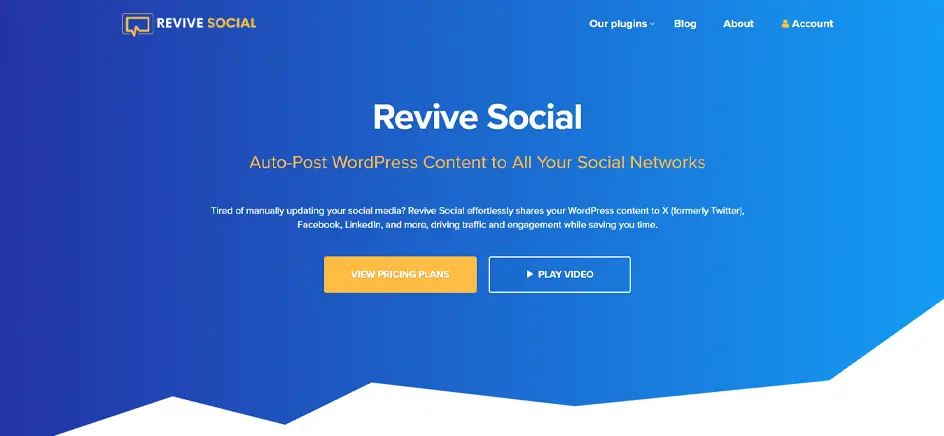
Most bloggers ignore this problem until traffic dips. New articles get the spotlight while older, still-useful posts vanish into the archive. Revive Old Posts drags them back out, resharing them to your accounts at set intervals so good work keeps earning clicks.
Key features
Pricing: $99/yr
Rating: 4.0/5 (557)
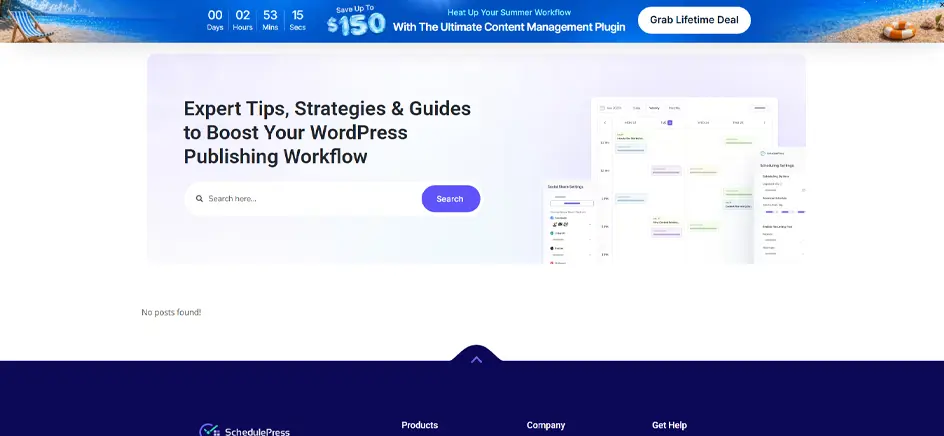
Despite the name, SchedulePress isn’t a social plugin first. SchedulePress is an editorial workflow tool that happens to include social sharing. Everything begins with the publishing calendar instead of the networks, so it fits the websites where planning is the bigger struggle. The calendar is the star here.
Key features
Pricing: $39/yr
Rating: 4.6/5 (201)
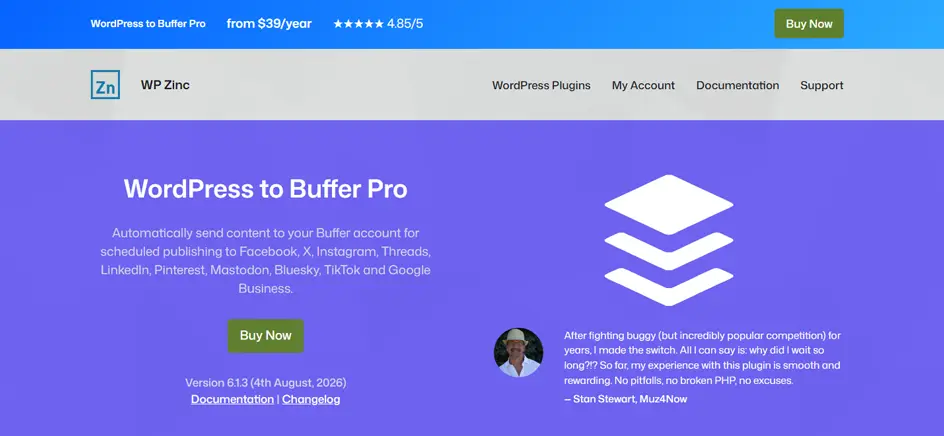
WP to Buffer keeps things refreshingly simple. Instead of connecting to every platform itself, it hands your content to Buffer, which handles the publishing. If Buffer already runs your social workflow, this feels cleaner than swapping in another full plugin. And because Buffer manages the platform integrations, you’re not updating your WordPress plugin every time a network changes its API.
Key features
Pricing: $39/yr
Rating: 4.5/5 (123)
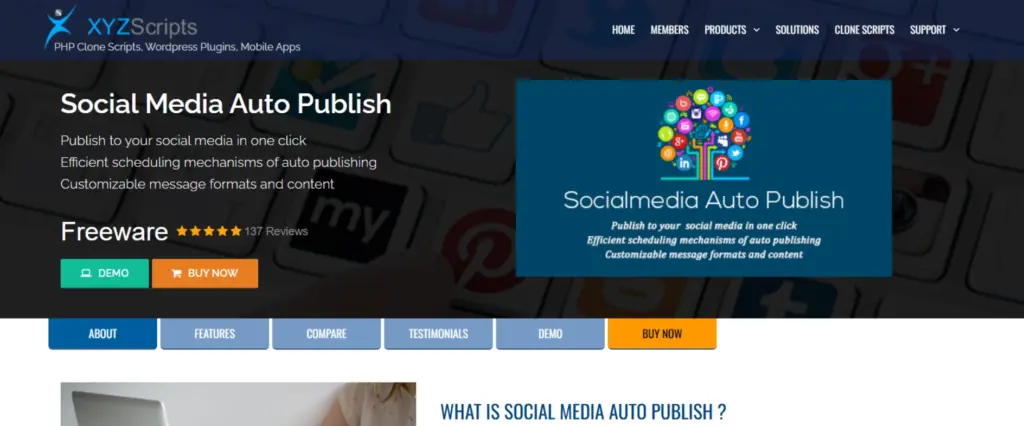
Social Media Auto Publish is for people who want the basics without a marathon of configuration. Connect your accounts, publish a post, and it takes over. The interface won’t win awards, but it gets new content onto social with barely any setup, and it still gives you decent say over what actually ships.
Key features
Pricing: Free; Premium $29
Rating: 4.7/5 (345)

Nelio Content reads more like a content-planning tool that also includes social automation. The first thing you notice is the editorial calendar, where upcoming posts, drafts, and scheduled social messages all sit in one view. Its real edge is tying promotion to your publishing workflow. Instead of sharing an article once, you can prepare several messages for it and spread them across days or weeks.
Key features
Pricing: $95/yr
Rating: 4.4/5 (104)
Every plugin claims to do everything, so features blur together fast. A few things decide whether one fits your needs:
Compare and match these factors with your workflow, and the choice gets easy. Let’s move on to our top pick.
Here is a quick comparison of features provided by all social media auto-posting WordPress plugins that will help you to decide which plugin is suitable for you.
| Features | Social Auto Poster | WP to buffer | Revive Social | FS Poster | Auto Publish | Blog2 Social | Jetpack Social | Bit Social | Nelio Content | SchedulePress |
|---|---|---|---|---|---|---|---|---|---|---|
| Posting Logs |  | | | | | | | |  | |
| eCommerce Supports | | | | | | | | | | |
| Category Wise Posting | | | | | | | | | | |
| Google Analytics Integration | | | | | | | | | | |
| Posting Statistics | | | | | | | | | | |
| All settings at Post Level | | | | | | | | | | |
| Manually Share Posts More than Once | | | | | | | | | | |
| Multiple Accounts for Each Social Media | | | | | | | | | | |
| Auto Post New Content | | | | | | | | | | |
| Support Custom Post Type | | | | | | | | | | |
| Hashtags for Tags or Categories | | | | | | | | | | |
| Schedule Posting | | | | | | | | | | |
| URL Shortener | | | | | | | | | | |
| Reposter | | | | | | | | | | |
| Emoji Support | | | | | | | | | | |
| Customize Message Format | | | | | | | | | | |
| Publish Single WordPress Post | | | | | | | | | | |
| Auto Post Already Existing Posts | | | | | | | | | | |
| Exclude/Include Tags & Custom Taxonomies | | | | | | | | | | |
| Quick Share | | | | | | | | | | |
| Debug Logs | | | | | | | | | | |
| Bulk Scheduling & Unscheduling | | | | | | | | | | |
| Lifetime Updates after the Support Period | | | | | | | | | | |
| Exclude Posting Days | | | | | | | | | | |
Social media values consistency, yet maintaining a regular posting schedule can quietly take time away from creating content or running your business. A good plugin takes that repetitive part off your plate and runs it in the background, ensuring your posts reach your audience automatically.
Pick the plugin that matches how you actually work, not the one with the longest feature list. Here we have curated this list of the best social media plugins for WordPress so you can make a smarter decision for your business without testing all the tools yourself. And if you need custom features or want to discuss building your own WordPress plugin, our team is ready to help. Reach out to us today.
Blog2Social is the strongest free option here, offering platform-specific captions, scheduling, and a drag-and-drop editorial calendar for more controlled social publishing.
Use Social Media Auto Publish to connect Facebook, LinkedIn, and X once, then automatically share new posts using category-based publishing rules.
Yes, especially feed-heavy or script-heavy plugins. In this comparison, Bit Social and WP to Buffer are the lightest options for shared hosting environments.

Aug 25, 2026

Sep 09, 2026